Not too long ago, a 360 camera for virtual tours was a nice-to-have gadget for tech-savvy agents. Today, it’s a non-negotiable part of a modern agent’s toolkit. This isn't just about cool tech; it's about creating an 'always-on open house' that pulls in serious, qualified buyers and saves everyone time.
Why 360 Cameras Are a Must-Have for Modern Agents
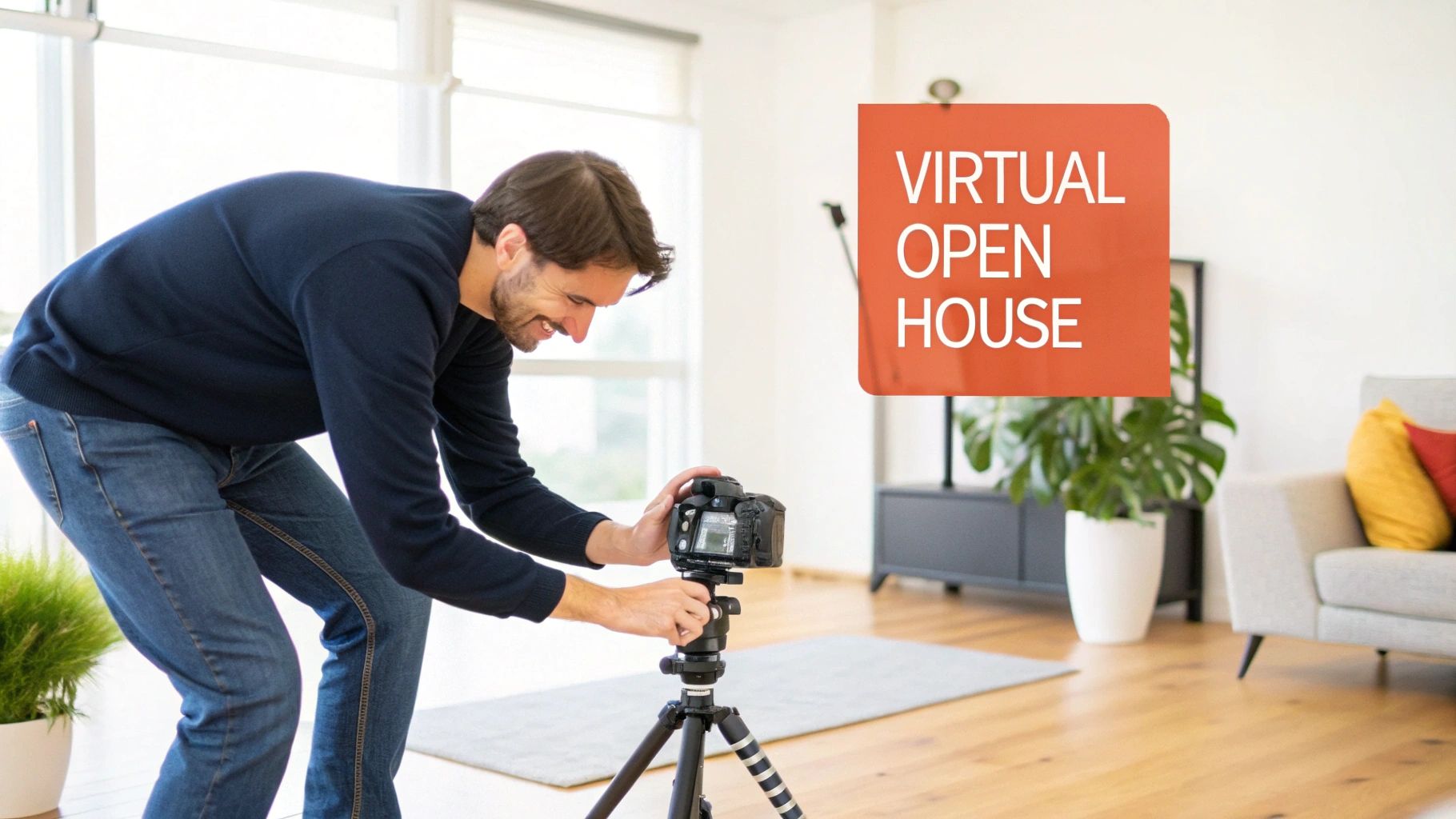
Let's be real: the days of relying solely on static photos are over. Buyers today expect more. They want to walk through a property from their couch, get a genuine feel for the layout, and understand its flow before they even think about scheduling a showing.
A 360 camera is how you meet that demand. It delivers a rich, immersive preview that flat photos just can't compete with.
This isn't just a fleeting trend—it's a massive shift in the market. The global virtual tour market was valued at $448.1 million in 2020. By 2030, it’s projected to explode to $6,537.1 million, growing at a staggering 31.0% each year. This is where the industry is heading, fast.
Gaining a Competitive Advantage
In a crowded market, you need an edge. An immersive tour doesn't just grab a buyer's attention; it holds it. It makes a powerful first impression and weeds out the casual browsers from the genuinely interested clients. That means the people who do show up for a tour are already highly qualified leads.
"A virtual tour acts as a 24/7 open house. It empowers potential buyers to explore a property on their own terms, leading to more meaningful engagement and faster decision-making."
But the real magic happens when you pair a 360 camera with smart, AI-powered platforms like Bounti. Suddenly, your marketing workflow gets a massive upgrade. One simple video walkthrough can be automatically repurposed into a whole suite of marketing assets:
- Interactive Virtual Tours: A complete, navigable model of the property.
- High-Resolution Photos: Pull stunning, MLS-ready stills right from your video footage.
- AI-Enhanced Visuals: Instantly declutter a room, change the design style, or add furniture with virtual staging. Dive deeper with our complete virtual staging guide.
- Engaging Video Content: To stand out, you have to do more than just show a property. Learning how engaging video content can elevate your listings is key to moving beyond old-school methods.
The bottom line? A 360 camera for virtual tours isn't just about creating a cool visual anymore. It’s a strategic business tool that makes you more efficient, attracts better buyers, and keeps you ahead of the curve.
How a 360 Camera Actually Works
Ever wondered what kind of sorcery is happening inside a 360 camera for virtual tours? It's actually more straightforward than you might think. Just picture an owl that can see everything, everywhere, all at once—that’s the basic concept.
The camera has at least two ultra-wide-angle lenses (often called fisheye lenses) mounted back-to-back. When you hit the shutter button, each lens captures a massive, hemispherical photo covering everything in its view—one for the front, one for the back. This gives you two strange, circular images that contain all the visual data of the entire room.
But two warped, separate pictures don't make for a virtual tour. The real magic happens in the next step: stitching.
From Two Images to One Seamless World
The camera's built-in software (or a companion app) gets to work, taking those two distorted photos and digitally merging them. It finds where the edges overlap and intelligently blends them together to erase the seams. This process creates a single, flat, rectangular image known as an equirectangular photo. It looks pretty bizarre and stretched out on its own.
But when that flattened image is loaded into virtual tour software, it gets wrapped into a sphere around the viewer. Suddenly, you have a completely immersive world you can look around in.
A great 360 camera makes the stitching process invisible. The goal is a perfect sphere where a potential buyer can’t spot the seams, making them feel like they’re actually standing in the room.
Photos Versus Video Walkthroughs
This same core idea applies to both 360 photos and videos. A 360 photo is just one of these stitched spheres, freezing a moment in time and giving a perfect, static view of a space.
A 360 video, on the other hand, performs this stitching process for every single frame of video—often 30 times per second. This creates a fluid, dynamic walkthrough that lets a buyer look anywhere they want as they're guided through the property. It's a far more engaging and informative way to experience a home.
This kind of accessible technology is catching on fast. The global 360-degree camera market is projected to skyrocket from $2.34 billion in 2025 to a massive $27.21 billion by 2035, with real estate being a huge driver of that growth. You can read the full research on the 360-degree camera market to see where things are headed. For agents, this means a single video shoot can generate a whole suite of marketing assets, from the tour itself to an unlimited number of high-res photos.
Camera Features That Directly Impact Tour Quality
Shopping for the right 360 camera for virtual tours can feel like drowning in a sea of technical specs. Every box screams about megapixels and processors. But here’s the secret: you only need to focus on a few key features that actually make a difference between a tour that wows buyers and one that looks cheap.
Think of camera resolution like the thread count on a set of luxury sheets. More threads mean a smoother, richer experience. For virtual tours, higher resolution lets a potential buyer zoom in on the granite countertops or the crown molding without the image dissolving into a pixelated mess. While 4K is a decent start, 6K or 8K resolution is where you want to be. It’s the difference between telling someone about the details and letting them see for themselves.
See a Room as the Eye Sees It with HDR
You’ve been there. You take a photo of a gorgeous, sunlit living room, but the picture comes out with windows blown out in a blaze of white light and corners that disappear into dark, muddy shadows. That’s the problem High Dynamic Range (HDR) was born to solve.
HDR works by snapping several pictures at once—one too dark, one just right, and one too bright—and then intelligently merging them. The result is a single, perfectly balanced photo that shows you everything, from the vibrant green lawn outside the window to the rich wood grain of the floors.
For a virtual tour, HDR isn't a nice-to-have; it's a dealbreaker. It’s what lets you present a home exactly as the human eye sees it, creating a true-to-life feeling that builds instant trust.
Without good HDR, your tours will always look a little off. It's the key to avoiding those washed-out windows and murky corners, ensuring every part of your listing gets to shine. You can take this even further with post-capture editing; our guide on the best AI photo editing software shows you how to make your images truly pop.
To help you cut through the noise, here's a quick breakdown of how these specs translate into real-world results for your virtual tours.
360 Camera Feature Impact on Virtual Tour Quality
Ultimately, a camera with the right mix of these features elevates your marketing from standard to standout.
Ensuring a Smooth and Professional Walkthrough
Static image quality is one thing, but how the tour feels to move through is just as important. That’s where stabilization technology comes in.
- FlowState Stabilization: Most great 360 cameras now come with incredible built-in electronic stabilization. It’s an algorithm that anticipates and smooths out every little bounce and shake from walking, delivering a video so fluid it looks like it was shot on a professional gimbal.
- Viewer Comfort: Let's be honest, a shaky video is hard to watch. It can be jarring and even cause motion sickness, which is the last thing you want a potential buyer to associate with your listing.
- Professional Polish: Smooth motion is a hallmark of high-quality production. It tells buyers that you invest in your marketing and, by extension, that the property is worth their serious consideration.
When you boil it all down, the specs that matter are resolution, HDR, and stabilization. Prioritizing these three pillars ensures every tour you create is sharp, realistic, and a pleasure to experience—giving your listings the premium presentation they deserve.
Your Step-by-Step Workflow for a Perfect Virtual Tour
Having a great 360 camera for virtual tours is only half the battle. A smooth, repeatable workflow is what really turns that piece of hardware into a powerful marketing engine. Think of this as your pre-flight checklist for every property shoot.
Prepare the Property for a 360-Degree View
Before you even think about turning on your camera, the property has to be ready for its close-up. With traditional photos, you can frame out a messy corner. A 360 camera sees everything. A little prep work here goes a very long way.
First, declutter like you mean it. Take down personal items like family photos, clear the mail off the counter, and pull the magnets off the fridge. You want potential buyers to see themselves in the space, not the current owners.
Next, make sure every surface is spotless. That high-resolution, 21MP sensor will pick up every single fingerprint and speck of dust. Finally, flip on every light in the house and open all the blinds. You're aiming for a bright, welcoming atmosphere that shows the home in its absolute best light.
This quick diagram shows how the right camera features work together to capture all your hard prep work in stunning detail.
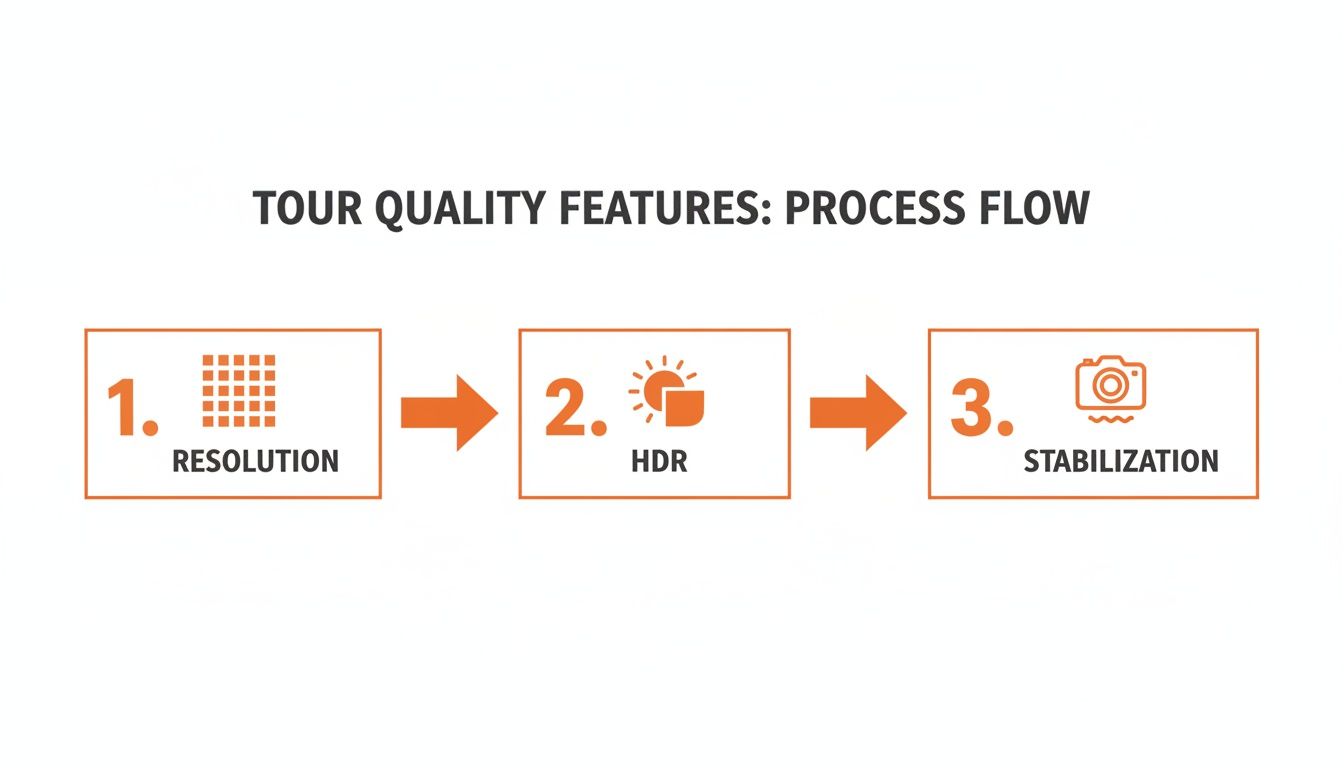
The combination of high resolution, balanced HDR, and smooth stabilization is what makes the final tour feel so lifelike and immersive.
Set Up Your Camera for a Natural Flow
Once the home is prepped, your camera placement is everything. The goal isn't just to show the rooms; it's to create a tour that feels natural to navigate, mimicking how a person would actually walk through the home.
Start by mounting your 360 camera on a tripod set to eye level—usually somewhere between five and six feet. This gives viewers a realistic perspective instead of making them feel like they're crouching or floating near the ceiling.
Place the tripod in the center of each room and at key decision points, like doorways and hallway intersections. Plan out your path logically, starting at the front door and moving through the main living areas, then into bedrooms, and finally to any outdoor spaces. It should feel like an intuitive journey.
Pro Tip: Always scan your surroundings for reflections. A mirror or a glossy appliance showing you and your tripod is the fastest way to break the illusion. Take a moment to adjust your position to hide yourself and your gear from view.
Capture and Let AI Handle the Rest
With your path mapped out, the actual capture process is surprisingly quick. Just duck into an adjacent room or behind a wall and use your smartphone app to trigger the camera for each shot.
Once you have the shot, move the tripod to the next spot on your path and repeat. You can capture an entire house this way in under 30 minutes.
This is where modern workflows really separate themselves from the old way of doing things. Instead of spending hours manually stitching photos or editing video, you can just upload your footage to an AI platform like Bounti. The system takes it from there, automatically generating a full marketing package for you.
- Interactive 3D Tour: The platform builds a fully navigable virtual tour—no manual stitching required.
- MLS-Ready Photos: The AI intelligently pulls high-resolution, perfectly framed still photos directly from your video.
- AI Enhancements: Need to clear out some clutter you missed? Want to add virtual staging or even change the flooring? You can do it all with a few clicks.
This automated process frees you up from all the tedious post-production work. You can get a feel for the simple capture and upload process by downloading the Bounti mobile app for real estate agents. By focusing on getting a clean capture at the property, you can let the software do the heavy lifting, delivering a complete set of marketing assets in a fraction of the time.
Common Mistakes That Can Ruin Your Virtual Tour
A polished virtual tour can be a listing’s secret weapon. But a bad one? It can send potential buyers running for the hills. Buying a quality 360 camera for virtual tours is step one, but knowing how to avoid the common slip-ups is what really separates the pros from the rookies.
Even seasoned agents can fall into traps that tank their tours. These mistakes range from tiny technical goofs to bigger picture blunders. Let's break down what they are so you can build a process that delivers stunning tours every single time.
Technical Blunders to Avoid
Little technical errors are notorious for shattering the immersive experience of a tour. The number one offender is almost always incorrect tripod height.
Set the camera too low, and viewers feel like they’re sneaking around. Too high, and they get a bizarre, disembodied floating sensation. Always aim for a natural eye level—somewhere between five and six feet—to give buyers a true sense of what it feels like to stand in the room.
Another classic mistake is leaving distracting stuff in the shot. Since a 360 camera sees everything, you have to be extra vigilant. Look out for:
- Visible Tripod Legs: Make sure the camera’s nadir (the very bottom of the shot) is either clean or covered up with a small logo patch in post-production.
- Your Own Reflection: You’d be surprised how often photographers pop up in mirrors, windows, and shiny kitchen appliances. Hide behind a door or use a remote trigger from another room to stay out of the picture.
- Clutter and Personal Items: That stack of mail on the counter or the family photos on the fridge? They break the illusion. Buyers need to see a clean slate where they can picture their own lives, not the seller's.
A great virtual tour feels like magic. The moment a viewer sees the tripod or the agent’s reflection, the magic is gone. The illusion is shattered, and they’re just looking at a picture again.
Strategic and Navigational Errors
Beyond the nuts and bolts of shooting, how you guide a viewer through the property is just as important. A huge strategic error is creating a tour with a confusing, illogical path.
Your tour should flow like a real-life showing. Start at the front door and move through the home in a way that feels natural. Jumping from the living room to an upstairs bedroom and then back down to the kitchen is jarring and makes the layout feel chaotic.
Finally, don’t forget to play director and highlight the home's best features. Is there a killer view from the balcony? A brand-new, spa-like primary bathroom? Make sure these are star locations in your tour. Forgetting to showcase the property's main selling points is a massive missed opportunity to make a real connection with buyers and show them why this home is the one.
Choosing the Right 360 Camera for Your Real Estate Business
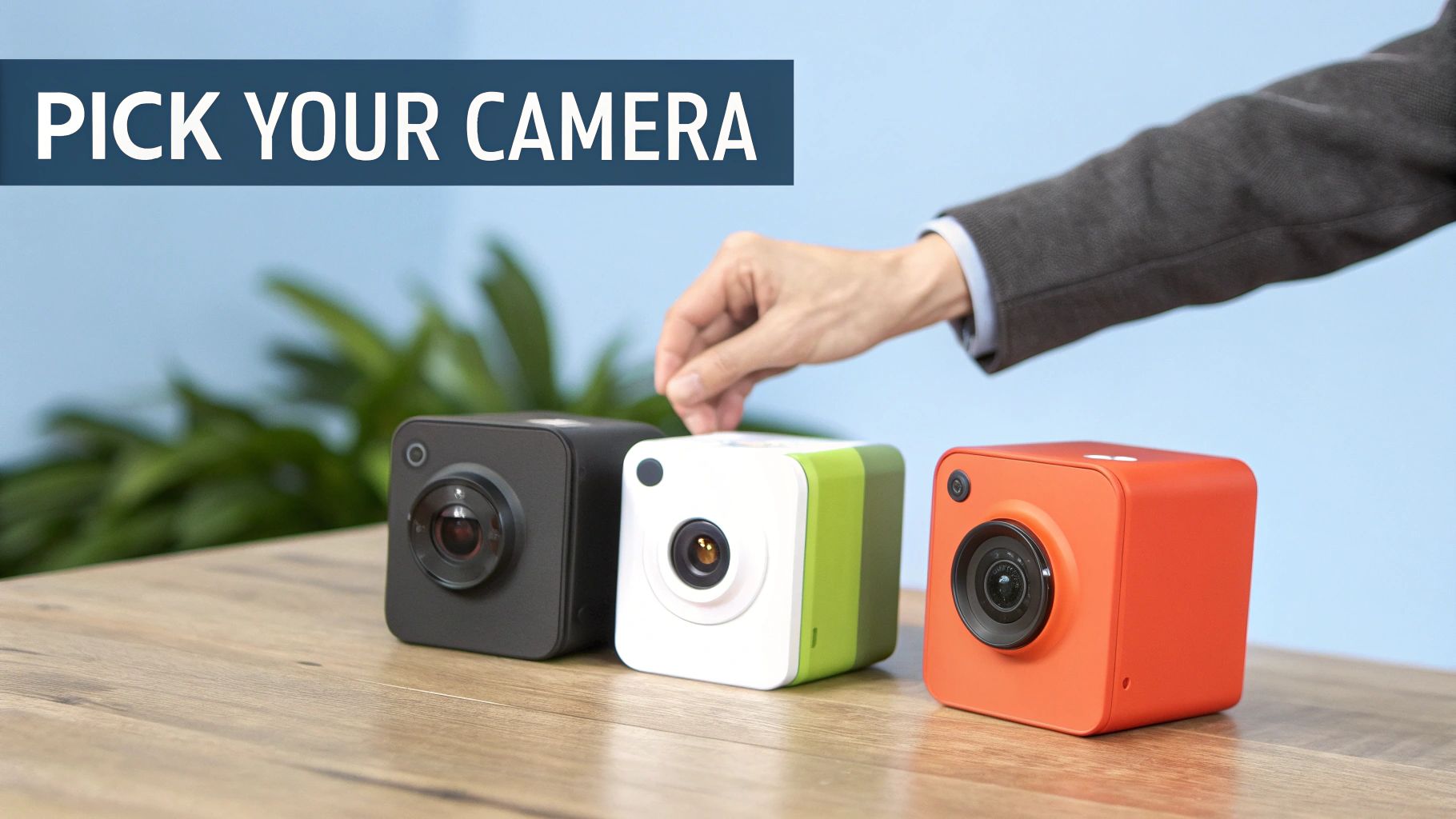
Picking the perfect 360 camera for virtual tours isn't about grabbing the priciest model off the shelf. It’s about finding the right tool for the job. The camera that makes sense for a solo agent hustling to list starter homes is totally different from what a high-end brokerage needs to market luxury estates.
So, forget the spec sheets for a minute. Think about your day-to-day. Are you constantly running between appointments, needing something you can pull out, shoot with, and pack up in minutes? Or are you building a team that needs a bulletproof workhorse for producing consistently incredible quality that integrates with your entire workflow?
Make no mistake, 360 tours are table stakes now. Listings with them get 87% more views in the U.S., and more than half of all buyers admit they might just scroll past a property that doesn't have one. With the virtual tour market in North America projected to grow at a 35% CAGR from 2025 to 2030, the right camera isn't just a gadget—it's a smart investment in your future. You can discover more insights about the virtual tour market to see just where this trend is heading.
Finding Your Perfect Camera Match
To cut through the noise, let’s break it down by the kind of agent you are. This way, you can zero in on the features that actually make a difference to your bottom line by improving your listings and making your life easier.
The On-the-Go Solo Agent: Speed, simplicity, and budget are your guiding stars. You need a camera with killer automatic settings, an intuitive smartphone app, and a design that’s easy to toss in a bag. A model in the $400-$600 range that handles auto-HDR and stabilization well will let you create impressive tours without getting bogged down in technical details.
The Growing Team Lead: You’re playing a different game. You need reliability, repeatable quality, and a tool that scales with your business. Look for a camera with a sturdier build, multi-exposure HDR for crisp, professional images, and that plays nice with platforms like Bounti. An investment in the $800-$1,500 range gets you a pro-level tool your whole team can use to produce consistently great results for every single listing.
Of course, once you capture those amazing tours, you need a place to show them off. That's where choosing one of the best website builders for real estate agents becomes just as crucial.
Ultimately, the best camera is the one that fits your workflow. The goal is to invest in a tool that makes your marketing more effective and your job easier, not more complicated.
Your Top Questions, Answered
Jumping into new real estate tech always comes with questions. Let's clear up the most common ones we hear from agents about using 360 cameras for virtual tours so you can move forward with confidence.
How Much Should I Expect to Spend on a Good 360 Camera?
You can find a reliable 360 camera anywhere from $300 for starter models to over $1,500 for high-end professional gear. But for most agents, the sweet spot is the $500 to $1,000 range.
Why that range? It gets you the perfect mix of high-resolution video, smart features like automatic HDR that make your life easier, and the durability to handle being tossed in a car between showings. It’s everything you need to create incredible tours without breaking the bank.
What Software Do I Need to Build a Virtual Tour?
Most cameras come with a basic app, but to create a professional tour that wins over clients, you’ll want a dedicated platform. This is where modern, AI-powered services like Bounti come in, built from the ground up to fit an agent’s workflow.
You just upload one video walkthrough of the property. From there, the platform does the heavy lifting—building the interactive tour, pulling out print-quality photos, writing property descriptions, and more. It turns hours of manual editing into a few clicks.
How Long Does It Realistically Take to Shoot a Home?
Once you get the hang of it, you can capture a standard 2,000 sq ft home in as little as 20-30 minutes. The key is to plan your walking path before you hit record.
But the real time-saver isn't at the property—it's what happens after. Using an AI platform for post-production means your raw footage is turned into a complete marketing package almost instantly, while you're already on your way to the next appointment.
Ready to see how this actually works for your listings? Find out how Bounti can automatically create virtual tours, photos, and more from a single walkthrough video. Explore Bounti's AI solutions.