


You just landed a new listing. Congratulations. Now the important work starts. You need photos, remarks, social posts, video, maybe staging, maybe a floor plan, maybe a fast landing page, and definitely follow-up that doesn’t slip through the cracks. Every extra click pulls you away from pricing strategy, client communication, and getting the property in front of buyers fast.
That’s why one click apps matter in real estate. They cut the dead space between intent and action. Instead of opening five tabs and nudging three vendors, you trigger a workflow and move on. The best ones don’t just save time. They reduce handoff errors, keep momentum on a listing, and help you look more responsive to sellers.
This matters well beyond real estate. The broader app economy keeps moving toward fast, low-friction actions. By 2027, the global mobile app market is projected to generate more than $673 billion in revenue, building on 5.3 trillion hours spent in apps worldwide in 2025, with average daily usage at 3.6 hours per person, according to MindSea’s app stats roundup. In plain English, users expect speed now. Agents do too.
In a brokerage setting, the bigger issue is adoption. Teams already juggle too many disconnected tools. Research cited by Dimension Market Research on the digital adoption platform market says organizations average 897 apps, yet only 28% of enterprise applications are currently integrated. That gap is exactly where “one click” breaks down. If the tool works in isolation but creates more cleanup later, it’s not saving you time.
If you’re trying to simplify listing execution, lead response, and content creation, this roundup focuses on the one click tools and platforms worth understanding. For a broader operational lens, this piece on workflow automation benefits is also worth your time.
1. Bounti Labs
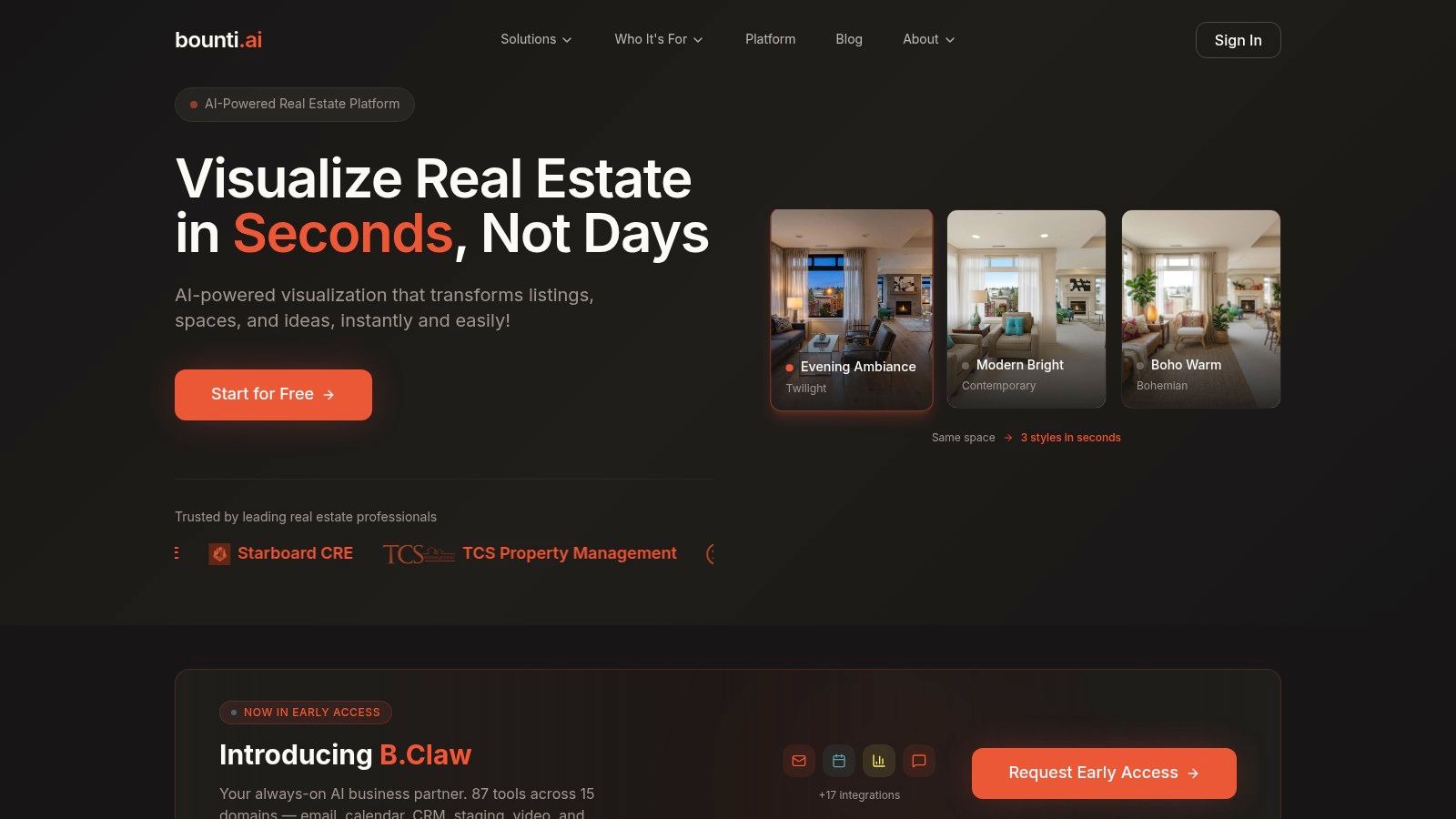
Bounti Labs is the closest thing on this list to a true one-click real estate operating layer. Most tools handle one job well. Bounti starts with a single walkthrough video and turns that input into listing assets that agents need: property descriptions, stills, staged images, listing videos, before-and-after reveals, social content, and broader marketing kits.
That’s the practical appeal. You don’t start from a blank page, and you don’t wait on a chain of vendors.
Why it fits an agent’s day
When a seller wants to go live quickly, speed matters more than feature volume. Bounti leans into that. The platform is built around instant creation rather than task-by-task setup. That’s useful for solo agents, but it gets more valuable for teams that need repeatable output across many listings.
Its broader layer, B.Claw, pushes the idea further. Bounti describes it as an AI business partner with tools across email, calendar, CRM, staging, video, marketing, and more, with integrations into systems agents already live in. If you want the bigger picture, the company’s own write-up on its AI operating system for real estate shows where it’s heading.
Practical rule: Bounti works best when you want one input to create many outputs. If your bottleneck is “I have the property, but I don’t have the marketing package yet,” this is where it earns its place.
What works and what to watch
Bounti is designed for real estate use cases instead of generic content generation. That matters. Virtual staging, decluttering, renovation visuals, and listing-ready marketing are different jobs from writing a blog post or making a standard promo video.
A few things stand out:
- Real estate-specific outputs: It’s built for listing visuals and marketing, not general-purpose AI busywork.
- Operational consolidation: Bounti positions itself as a replacement for many separate apps, which matters if your current stack feels stitched together.
- Team usability: Collaborative review and mobile access matter when agents, coordinators, and clients all need to approve assets fast.
The trade-off is the same trade-off you get with any AI pipeline. Fast output still needs agent review. Staging choices can overreach. Copy can sound polished but still miss a property detail that matters for MLS accuracy or compliance.
There’s also a visibility gap around advanced pricing. You can start free or request access to deeper features, but teams wanting enterprise clarity will likely need a sales conversation.
Another point that experienced brokers shouldn’t ignore is ownership and privacy. In AI-heavy one click apps, those questions deserve direct answers before rollout. The concern is real. One industry note says 67% of Realtors cite data privacy as a top concern in a 2025 NAR survey, highlighted in this discussion of data privacy and output ownership in AI-driven one-click apps. If you’re uploading walkthrough footage, photos, or client-facing marketing assets, get clear terms before standardizing any tool.
Bounti is strongest when speed, listing volume, and asset creation are your pain points. If you want a one-click app that directly affects how fast you can launch and promote a listing, this is the standout.
Website: Bounti Labs
2. DigitalOcean Marketplace
DigitalOcean Marketplace isn’t a real estate app. It’s a practical deployment layer for agents, brokerages, and marketing teams that need websites, landing pages, client portals, or lightweight internal tools running fast without wrestling with enterprise cloud complexity.
If your team has ever said, “We just need the site up this afternoon,” this is the kind of platform that helps.
Where it shines
DigitalOcean offers partner-built one click apps and add-ons for common stacks. WordPress is the obvious use case for real estate. So are LAMP or LEMP environments for custom property sites, lead-gen pages, and lightweight marketing microsites.
A few reasons it appeals to smaller teams:
- Fast provisioning: You can launch from the app page and get a working environment quickly.
- Predictable billing: That matters for brokerages that hate cloud invoices with surprise line items.
- API and CLI support: Useful if your operations lead wants repeatable deployments instead of manual setup every time.
The platform overview on Bounti’s platform page makes a useful contrast. Real estate teams often need the top layer, meaning marketing automation and AI asset creation, but they also need the underlying web infrastructure for pages and portals. DigitalOcean handles the second part well.
The trade-off
This is still infrastructure. It’s easier than building from scratch, but it isn’t magic.
You usually still manage the server unless you choose a more managed path. That means patching, backups, uptime checks, and security discipline still land on someone. If no one on your team owns that responsibility, a one-click deploy can create a quiet maintenance problem a few months later.
One click deployment is only “easy” on day one. Day thirty is what separates a useful platform from a hidden headache.
Use DigitalOcean Marketplace when you need a dependable place to spin up common web tools quickly and you either have technical help in-house or a contractor who can handle the basics. For brokerages building campaign pages, neighborhood sites, or branded content hubs, it’s often enough without being overkill.
Website: DigitalOcean Marketplace
3. Linode Marketplace
A marketing assistant needs a listing microsite live before tomorrow’s open house. The job is not to architect a perfect cloud stack. The job is to get the site up, branded, and collecting leads with one clean deployment. That is the kind of work Linode Marketplace fits well.
Linode Marketplace, now part of Akamai Cloud Computing, is a practical choice for teams that want one-click app deployment without paying for extra complexity they will never use. Pick the app, choose the plan, set the region, and launch. For brokerages, that can cover a WordPress property hub, a recruiting site, a client resource portal, or a lightweight internal tool.
What sets Linode apart in this list is the balance between speed and control. It gives you the single-action start that busy real estate teams want, but it still feels like infrastructure you can understand and budget for.
A few strengths stand out:
- Straightforward VPS pricing: Easier to forecast for small teams and independent brokers.
- Clean control panel: Enough control for routine site management without a heavy learning curve.
- Good fit for technical freelancers: Useful when your web help is a contractor, not a full-time ops team.
There is a real trade-off. Linode is best when your team wants one-click deployment, then plans to manage the result like a real business asset. Updates, backups, security checks, and uptime monitoring still matter. If no one owns that work, the fast launch turns into another neglected system.
Its app catalog is also narrower than the biggest marketplaces. That matters less if your goal is simple and repeatable, like launching a branded content site or campaign page. It matters more if you want a long list of niche templates or deeper managed services built in.
I usually point teams to Linode when they want the one-click advantage without the noise that comes with bigger cloud platforms. The best results come from using it for focused jobs, then tightening the workflow around the app after launch. Bounti’s write-up on turning speed into executable output gets at the same idea from a product angle. Fast setup only helps if it leads to usable work, not more cleanup.
Linode is a strong fit when affordability, clarity, and quick deployment matter more than having the largest app catalog.
Website: Linode Marketplace
4. Vultr Marketplace
Vultr Marketplace is a speed play. If your team wants to launch a standard web stack with minimal ceremony, Vultr does that well.
Its one click apps cover familiar categories like CMS platforms, e-commerce, and control panels. That makes it useful for agents who need listing campaign sites, lead capture pages, or a fast content environment without turning setup into a project.
Why it works
Vultr’s documentation is one of the stronger points. That sounds small until you’re trying to get a page live before a listing appointment or a property launch. Clear setup steps reduce the usual “now what?” gap that follows many one-click installs.
It’s also flexible about regions and deployment choices, which helps if your marketing support team works across markets or you want some say in where things run.
A practical example for brokers is this: if your marketing coordinator needs a WordPress install for a community site or a branded listing microsite, Vultr can get that done quickly without too much overhead.
For a more product-building angle on fast execution, Bounti’s post on its pivot to executable code is worth reading. Different product, same lesson. Speed only helps when it turns into usable output, not extra cleanup.
What doesn’t
This is still server-based infrastructure. Security updates and VM hygiene don’t disappear because the first deployment was easy.
- Instance restrictions: Some marketplace images only work on certain plans or configurations.
- Ongoing ownership: You’ll still need someone to handle updates and basic operational care.
- Not ideal for nontechnical teams alone: If no one can troubleshoot a server issue, choose something more managed.
Fast launch is valuable. Fast launch without an owner is expensive later.
Vultr is best for standard, repeatable deployments where you know the app you want, need it online quickly, and have at least light technical support behind the scenes.
Website: Vultr Marketplace
5. AWS Lightsail
AWS Lightsail is what I recommend when someone wants the reassurance of Amazon’s ecosystem but doesn’t want to get buried in full EC2 complexity. Its blueprints are prepackaged app images that let you launch common environments through a simpler interface.
For many real estate teams, that’s enough.
A practical fit for brokerages
Lightsail works well for branded websites, recruiting pages, content hubs, and basic portals. You get point-and-click setup, bundled pricing, and guided help for common tasks like domain connection and SSL.
That matters because the fastest way to sabotage a “simple” launch is to make the final setup painful.
The app coverage is broad enough for practical business use. WordPress is the obvious choice again, but Lightsail also supports broader developer stacks if your team is building internal tools or custom property experiences.
Why some teams stay and some leave
The biggest benefit is simplicity inside a familiar cloud brand. If your brokerage may eventually grow into more AWS services, Lightsail can be a decent on-ramp.
The downside is that flat-rate simplicity has limits. Bare-bones VPS options elsewhere may be cheaper for some workloads. And once again, backups, updates, and operations don’t manage themselves unless you layer on more services.
This is the recurring truth with infrastructure-based one click apps. The first click removes setup friction. It doesn’t remove operational responsibility.
That distinction matters because users increasingly expect quick actions across digital products. The app economy’s scale has reinforced that expectation. As noted earlier, people spend enormous time in apps, and they reward low-friction experiences. For a real estate brand, that means your web presence has to be easy for both your team and your clients to use.
AWS Lightsail is a solid middle ground. It’s more approachable than full AWS, more structured than a bargain VPS, and good for teams that want dependable hosting without becoming cloud specialists overnight.
Website: AWS Lightsail
6. Google Cloud Marketplace
A regional brokerage wants a new analytics dashboard, a client portal, and tighter control over who can launch what. In that situation, a basic one-click VPS is usually too loose. Google Cloud Marketplace fits teams that need the speed of click-to-deploy, but also need IT oversight, approved app catalogs, and cleaner purchasing.
This is the key distinction. This is not just one click for convenience. It is one click inside a controlled environment.
Google Cloud Marketplace supports VM images, containers, Kubernetes apps, and connected cloud services. For a real estate business, that matters less for a solo agent launching a simple site and more for firms building internal reporting, marketing automation, lead-routing tools, or AI-assisted workflows tied to company data.
The strongest feature is governance. Service Catalog lets an organization decide which apps staff can deploy, which cuts down on stack sprawl across offices and departments. Finance teams also tend to like the billing model because expenses stay inside one cloud account instead of getting scattered across vendors.
A few practical advantages stand out:
- Policy control: Better for brokerages that need approved tools and permission-based access.
- Centralized billing: Easier to track than a pile of separate subscriptions and hosting invoices.
- Vendor-supported deployments: Useful when your team wants a faster start without hand-building every environment.
There is a trade-off.
Google Cloud can add more process than smaller teams want. IAM roles, project setup, networking, and cost management all need attention. If the goal is to get a neighborhood landing page live by this afternoon, this is too much platform for the job.
It makes more sense when the one-click action sits inside a bigger operating model. That usually means a brokerage with multiple offices, an in-house operations lead, or a parent company that already has security and procurement rules in place.
As noted earlier, businesses are putting real money into digital adoption because easy software rollout is only half the job. Staff also need tools they can use without creating chaos. Google Cloud Marketplace matches that reality better than lighter marketplaces aimed at quick standalone hosting.
If your team needs single-action deployment with guardrails, approvals, and room to build beyond a basic website, Google Cloud Marketplace is one of the stronger options in this list.
Website: Google Cloud Marketplace
7. Bitnami Application Catalog
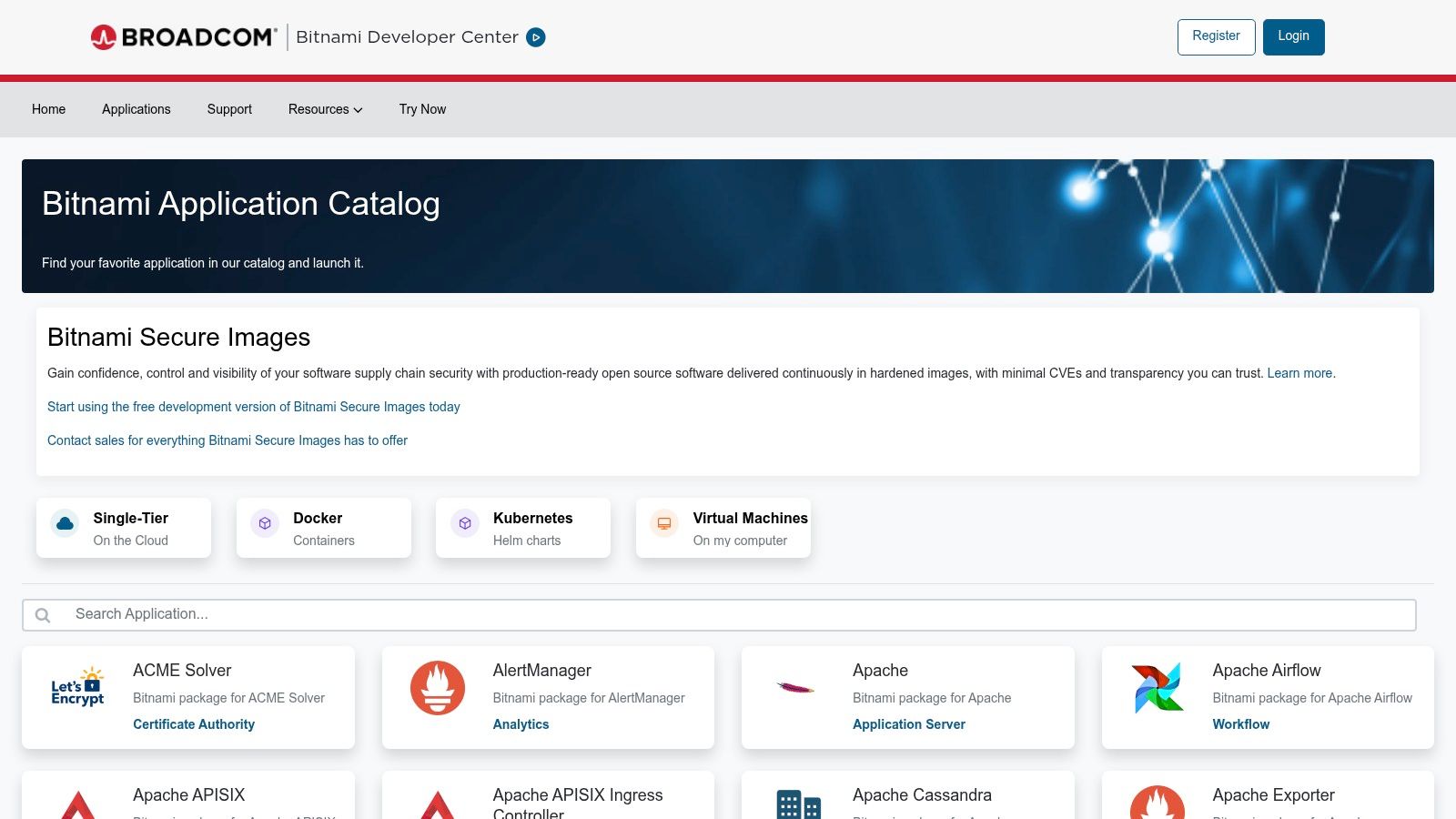
Bitnami is less about flashy deployment and more about consistency. If your team cares about clean, hardened application packages across multiple clouds, Bitnami is one of the better names to know.
That’s the value proposition. Same packaging approach, multiple environments, fewer surprises.
Why operators like it
Bitnami offers VM images, containers, and Helm charts for a large catalog of popular apps. In plain terms, that gives technical teams a reusable way to deploy common software across AWS, Google Cloud, VMware, and other environments without reinventing setup every time.
For real estate, the direct use case usually isn’t “I need Bitnami for listings.” It’s “our brokerage or vendor needs stable web and app infrastructure behind our sites, portals, and marketing tools.”
Two scenarios where it helps:
- Multi-cloud consistency: Useful if your environment has grown messy over time.
- Security-minded packaging: Better for teams that care how the software is prepared, not just how fast it launches.
The practical trade-off
Bitnami has gone through stewardship changes, so navigation isn’t always as straightforward as some teams expect. That’s not a dealbreaker, but it does mean the easiest path may be through a cloud marketplace rather than starting cold.
This also isn’t a beginner-first product. A marketing coordinator won’t get much from the catalog directly unless a technical partner is using it on the backend.
Still, for firms that want one click apps with more discipline behind the packaging, Bitnami deserves a spot on the shortlist. In a crowded stack, consistency saves time in places teams often only notice when something breaks.
Website: Bitnami Application Catalog
8. Softaculous
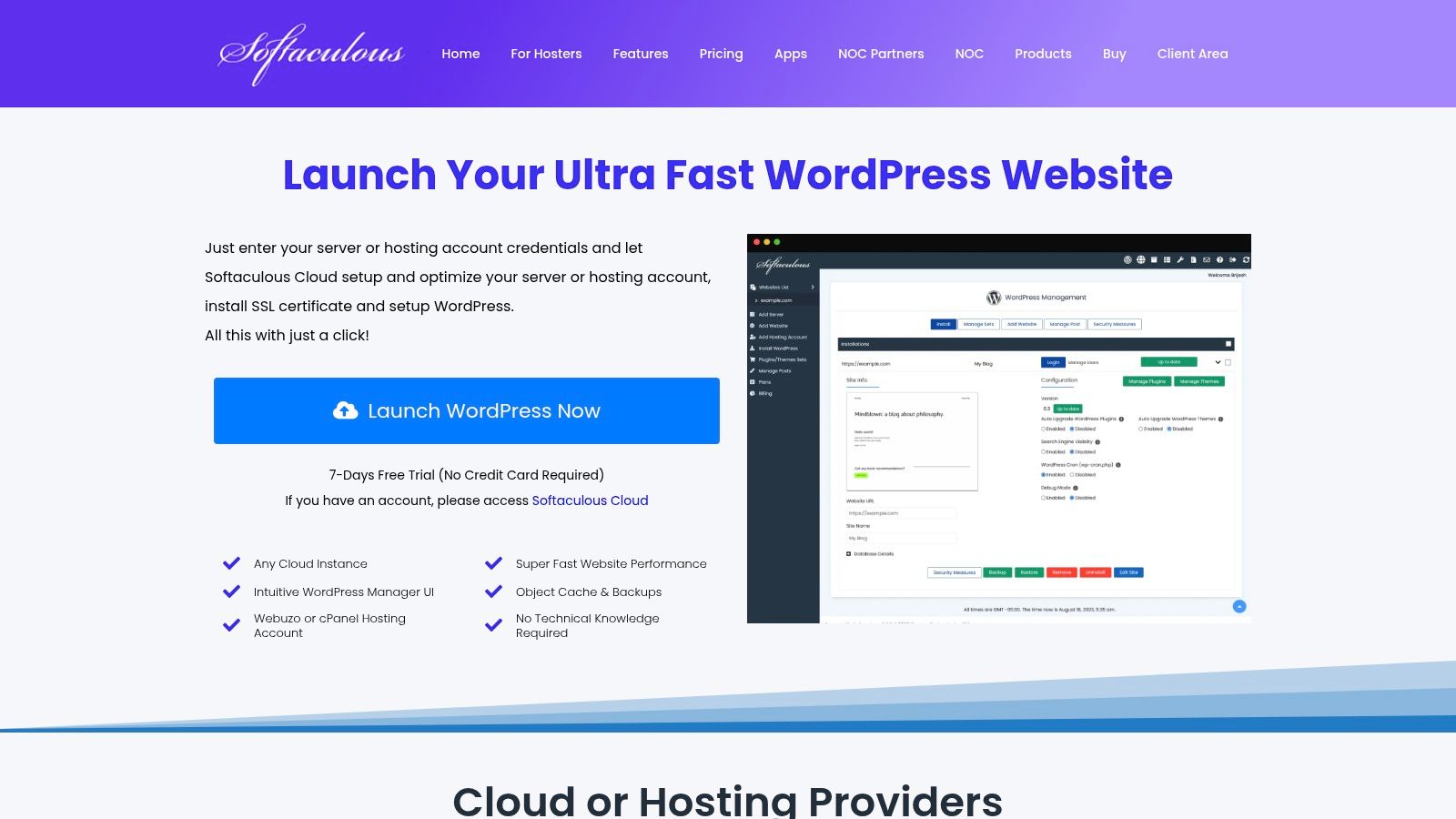
An agent needs a property site live before the weekend open house. A team lead wants a fresh blog install for a recruiting push. A marketing coordinator has no interest in server setup and just needs the site online today. That is the lane where Softaculous earns its keep.
Softaculous sits inside hosting panels like cPanel, Plesk, and DirectAdmin, so the one-click workflow feels familiar fast. For real estate teams, that matters. The value is not fancy infrastructure. The value is getting a working WordPress site, staging copy, or campaign microsite up in minutes without pulling in a developer for every small request.
Where it works well for real estate teams
Softaculous is a strong fit for brokerages that produce a steady stream of web assets and need speed more than customization.
Common wins include:
- Property and neighborhood microsites: Launch a focused site quickly for a new development, luxury listing, or local SEO play.
- Cloning and staging: Test a redesign, plugin change, or new landing page before touching the live site.
- Backups and restores: Useful when a plugin update breaks something the night before a campaign goes out.
- Multi-site WordPress management: Practical for teams juggling office sites, agent blogs, and recruiting pages.
This is one of the clearest examples of a one-click app helping with daily execution, not just IT provisioning. Click once, fill in the basics, and the site is ready for content.
The trade-off
Softaculous is only as good as the hosting environment underneath it. If the host is slow, restrictive, or sloppy with resources, the install may be easy but the day-to-day experience will not be.
This is the primary trade-off. Softaculous reduces setup work. It does not fix weak hosting, poor plugin choices, or a messy WordPress stack.
For brokerages, the practical advice is simple. Use Softaculous when the goal is fast deployment of standard web apps inside a familiar hosting account. If your team needs custom scaling, tighter infrastructure control, or serious application engineering, look higher up the stack.
Website: Softaculous
9. Cloudron App Store
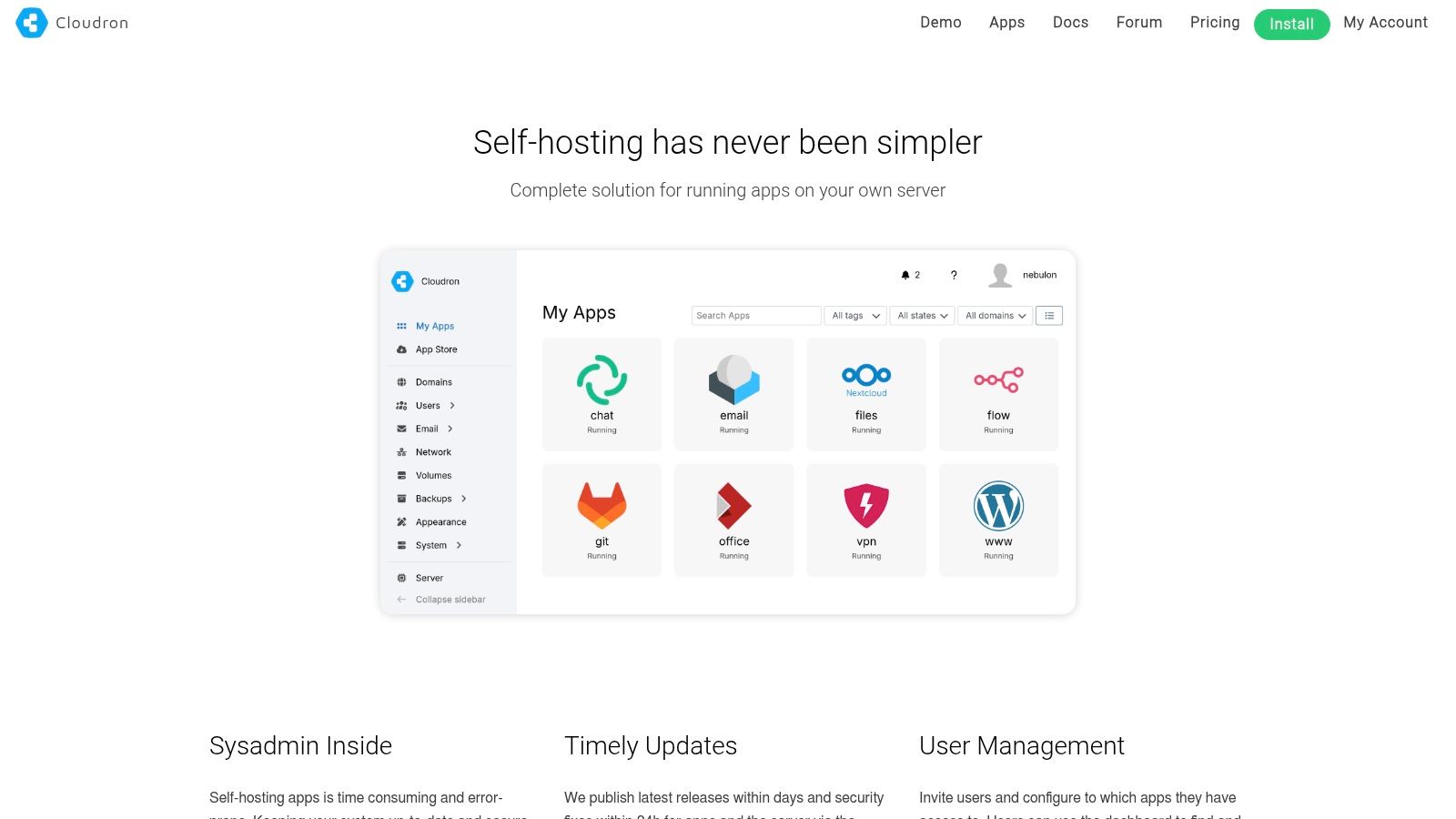
Cloudron sits in an interesting middle ground. It turns a VPS into a self-hosted app store you control, then handles much of the annoying day-two work that usually scares teams away from self-hosting.
That’s what makes it more appealing than a raw server.
Where it can save a brokerage time
Cloudron gives you one-click install and updates for supported apps, plus built-in backups, SSL, user management, and health checks. If you want more control than a hosted SaaS gives you, but less maintenance than a DIY server stack usually demands, this is a smart compromise.
For a brokerage, that can mean:
- Private internal tools: Knowledge bases, file-sharing, CRM-adjacent utilities.
- Simple app control: One dashboard instead of a pile of separate admin panels.
- Lower operational drag: Updates and backups are part of the product experience.
If your team wants control but not constant server babysitting, Cloudron is one of the cleaner paths.
What to keep in mind
It still requires a server underneath, and the full version requires a paid subscription. The free tier is limited, so most business use quickly pushes beyond hobby mode.
The app catalog is also smaller than the major public marketplaces. That’s not necessarily bad. Smaller catalogs can be easier to govern. But if you need wide choice or highly specific templates, you may hit the edge sooner.
Cloudron is best for small teams that want self-hosted apps with guardrails. It won’t replace purpose-built real estate software, but it can simplify the tools around your operation if you value control and don’t want full DevOps responsibility.
Website: Cloudron App Store
10. CapRover
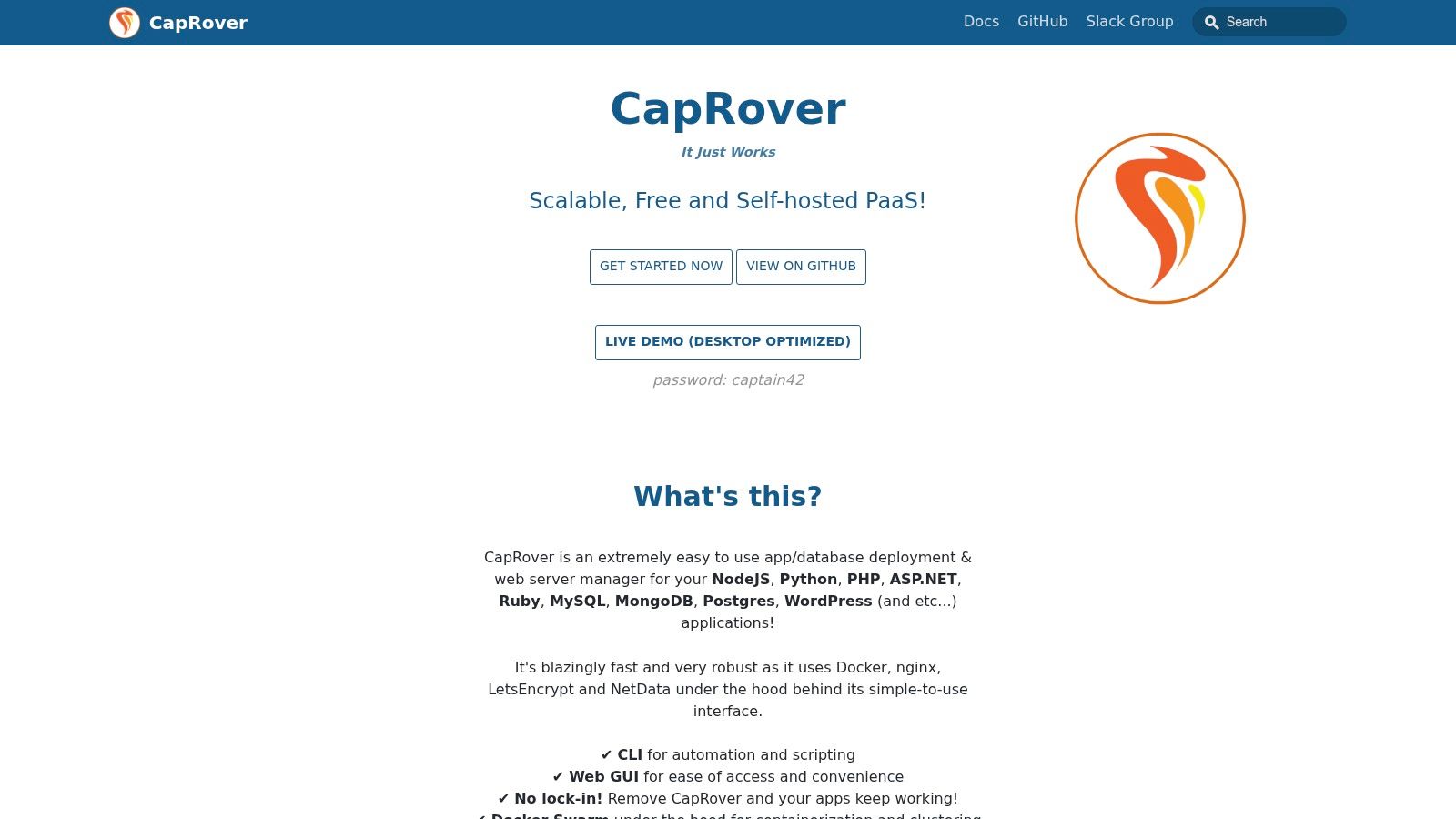
CapRover is for the team that wants maximum flexibility at minimum software cost. It’s open source, self-hosted, and built to get Dockerized apps online with less friction than a traditional setup.
In the right hands, it’s excellent. In the wrong hands, it becomes another “cheap” tool that burns hours.
Why technical teams like it
CapRover includes a web UI, one-click app templates, HTTPS support, scaling, and multiple deployment methods. That gives a technical operator a quick route from blank server to live service.
For real estate businesses, the practical use cases are usually internal:
- lead-routing utilities
- niche portals
- custom team apps
- lightweight automation services
The platform is especially attractive for brokerages with a contractor, in-house developer, or advanced operations lead who wants control without the complexity of a larger platform-as-a-service.
The honest downside
You manage the server. That’s the whole deal.
Templates can also vary in depth, because many are community-maintained. Some installs are smooth. Others need post-install configuration before they’re useful. If your team hears “one click” and assumes “fully managed,” CapRover will disappoint.
There’s also a usability issue that applies broadly across one click apps. Accessibility often gets ignored in the rush for speed. A large-scale analysis highlighted by the University of Washington found that 23% of mobile apps failed to provide accessibility metadata for over 90% of image-based buttons, and 93% of such buttons lacked descriptions entirely in the analyzed apps, as summarized in this accessibility analysis. If your team builds or deploys its own interfaces through platforms like CapRover, accessibility can’t be an afterthought.
CapRover is a strong choice when you have technical ownership, want open-source flexibility, and prefer spending on infrastructure rather than software licenses.
Website: CapRover
Top 10 One-Click App Marketplaces: Feature Comparison
| Product | Core features | UX/Quality ★ | Value & Price 💰 | Target audience 👥 | Unique selling points ✨ |
|---|---|---|---|---|---|
| Bounti Labs 🏆 | Single video → MLS-ready photos, staging, descriptions, listing videos & marketing kits; B.Claw AI OS (87 tools) | ★★★★★ (60s to first result; enterprise adoption) | 💰 Free starter; enterprise pricing via sales; replaces 13+ apps; reported 24–140x ROI | 👥 Listing agents, buyer’s agents, brokerages, commercial reps, teams | ✨ Instant unlimited outputs, AI staging/renovation, workflow orchestration, mobile + collaborative studios |
| DigitalOcean Marketplace (1-Click Apps) | 200+ partner 1‑Click apps, Droplet creation, API/CLI support | ★★★★ (SMB-friendly, clear docs) | 💰 Predictable underlying resource pricing; low friction | 👥 SMBs, devs, startups | ✨ Quick Droplet deploys, curated app catalog |
| Linode Marketplace (Akamai) | Click-to-deploy apps on low-cost VPS, resource/location selection | ★★★ (developer-friendly, smaller catalog) | 💰 Competitive entry-level VPS tiers | 👥 Developers, budget-conscious teams | ✨ Simple pricing, Akamai network footprint |
| Vultr Marketplace | One‑click CMS/e‑commerce/control panels, step-by-step docs | ★★★ (fast setup; guided docs) | 💰 Region-flexible pricing; optional app licensing included | 👥 Small teams, fast panel-driven deployments | ✨ Detailed how‑to guides, quick image launches |
| AWS Lightsail (Blueprints) | OS+app blueprints, bundled instance pricing, guided setup (domain/SSL) | ★★★★ (simple AWS entry, guided UX) | 💰 Flat-rate bundles; predictable but resource ceilings apply | 👥 Users wanting simple AWS, small businesses | ✨ AWS integration, easy domain/SSL provisioning |
| Google Cloud Marketplace (Click-to-Deploy) | Click-to-deploy for GKE/Compute/Vertex, Service Catalog support | ★★★ (enterprise controls; learning curve) | 💰 GCP billing integration; enterprise procurement benefits | 👥 Enterprise teams, GCP users | ✨ Service Catalog governance, vendor-maintained repos |
| Bitnami Application Catalog | Hardened VM images, containers & Helm charts; multi-cloud availability | ★★★★ (security-minded, consistent builds) | 💰 Free catalog; deployment costs via chosen cloud | 👥 Security-conscious teams, multi-cloud operators | ✨ Hardened, frequently updated images across clouds |
| Softaculous | 380+ one-click scripts, clone/stage/backup workflows, WP Manager | ★★★★ (extremely fast provisioning) | 💰 Often bundled with hosting; low setup cost | 👥 Shared/VPS hosting users, non-technical site owners | ✨ Bulk WP tools, staging/cloning/backups |
| Cloudron App Store | Self-hosted app store, auto-updates, per-app backups, SSO | ★★★★ (reduces day‑2 ops) | 💰 Free tier (2 apps); subscription for full features | 👥 Small teams wanting centralized self-hosting | ✨ Integrated SSO, auto-updates, built-in mail & backups |
| CapRover | Open-source PaaS, Docker-based one-click apps, scaling & reverse proxy | ★★★ (flexible, community-driven) | 💰 Free OSS; pay only for VPS infrastructure | 👥 Developers, DIY self-hosters | ✨ Free, quick Docker deploys, zero-downtime scaling |
From To-Do to To-Done Building Your One-Click Stack
It’s 8:10 a.m. A new listing just hit your pipeline, photos are still coming in, the seller wants to see marketing by lunch, and your team is already chasing three other deadlines. In that moment, a good one-click stack earns its keep by cutting out the repeat steps that slow down production.
The right stack starts with the work that keeps stalling closings, client updates, or listing launches. For one agent, that may be creating polished marketing from raw property inputs. For a team lead, it may be launching microsites or intake forms without waiting on a developer. For a brokerage, it may be setting up approved tools in a consistent way so every office is not improvising its own process.
This marks the key split in this list. Some products compress real estate work. Others compress technical setup.
Bounti Labs sits in the first category. It takes a single input and turns it into multiple listing outputs that agents use, such as visuals, copy, and launch-ready assets. That matters because the biggest time drain in most real estate businesses is not server provisioning. It is the pile of manual production work between “we have the listing” and “the listing is market-ready.”
DigitalOcean, Linode, Vultr, AWS Lightsail, Google Cloud Marketplace, Bitnami, Softaculous, Cloudron, and CapRover solve a different problem. They help teams deploy websites, portals, CRMs, internal dashboards, and other tools fast. Useful? Yes. Directly tied to listing throughput? Usually not. They provide the environment. They do not create the actual marketing output.
That distinction saves money.
A practical one-click stack usually looks like this:
- If listing production is the choke point: Start with a real estate-specific workflow tool that turns one action into several finished assets.
- If web deployment is slowing campaigns: Pick a marketplace or hosting platform that gets landing pages, property sites, or internal tools live fast.
- If approvals and permissions keep breaking rollout: Choose platforms with tighter governance, access controls, and standardized deployment options.
- If budget is tight: Use simpler VPS-based platforms or open-source options, but assign someone to updates, backups, and troubleshooting.
Adoption decides whether any of this works. A tool can look great in a demo and still fail in the field if agents avoid it when they are under deadline pressure. Integrate.io’s review of enterprise data integration adoption points to the same pattern: rollout success depends on whether people can get value quickly and keep using the system in normal work, not whether the feature list looked impressive during evaluation. In real estate terms, if the tool does not help an agent get a listing live faster this week, it will not become part of the routine next month.
One-click also does not mean hands-off.
AI output still needs review. Websites still need maintenance. Permissions still need an owner. The best one-click products remove setup friction and repetitive labor. They do not remove accountability.
Smaller stacks usually perform better than bloated ones. One tool that speeds up listing asset creation. One platform for websites or internal apps, if you need one. One person responsible for setup standards and quality control. That setup is often enough to save hours each week without creating a second job in maintenance.
For real estate teams, Bounti is the clearest example of what one-click should mean in practice. You are not clicking once to install software and then doing the essential work afterward. You are clicking once to trigger the work itself.
That is the standard worth using. Fewer handoffs. Less tab switching. Less cleanup at the end. More time with clients, faster launches, and fewer deals stuck behind avoidable production delays. If you want your marketing presence to match that sharper image, upgrading your visual brand helps too. This guide to best headshots for real estate agents pairs well with a faster listing workflow.
If you want the shortest path from walkthrough to marketing-ready listing assets, take a serious look at Bounti Labs. It’s built for agents and brokerages that need speed, visual quality, and fewer handoffs. One video in, multiple outputs out. That’s the kind of one-click workflow that gives you time back.



