


A listing lands on your desk with good bones, a strong location, and one obvious problem. The photos are working against it. Maybe the seller never fully moved out. Maybe the living room is empty and cold. Maybe every finish says “ten years ago” even though the layout is exactly what your buyers want.
Agents deal with this every week. You can pay for physical staging and wait on scheduling. You can post the home as-is and hope buyers look past the clutter, the vacant corners, and the worn surfaces. Or you can use a virtual real image approach to show the property the way buyers need to see it.
That phrase sounds technical, but the business problem is simple. Buyers do not purchase drywall and square footage alone. They purchase a mental picture of life in the space. If your marketing fails to create that picture, the listing feels smaller, older, and harder to love than it is.
The shift now is that AI has made visual transformation fast enough for everyday listing work. What used to require a staging company, a retoucher, and several rounds of back-and-forth can now happen inside a faster workflow. That changes more than the photos. It changes listing presentations, seller expectations, and how quickly you can launch.
Used well, AI imagery helps agents win instructions on difficult homes, position properties more clearly online, and keep momentum during the first days on market. Used poorly, it can create trust issues and mislead buyers.
Introduction The Unsellable Listing That Sells Itself
A condo sits in a strong school district. The kitchen is functional, the natural light is solid, and the floor plan works. But the photos show overstuffed counters, bulky furniture, and a spare bedroom that looks like a storage locker. Buyers scroll past it because they are reacting to presentation, not potential.
In this situation, many agents lose influence with sellers. The seller sees the home they live in. Buyers see friction. The agent is left trying to bridge the gap with words that the photos should be handling.
The common visual trap
A lot of listings are not bad. They are just visually blocked.
That blockage usually falls into a few categories:
- Clutter overload: Personal items, mismatched furniture, and crowded surfaces make rooms feel tighter than they are.
- Vacancy problem: Empty rooms often photograph as flat, smaller, and emotionally cold.
- Outdated finishes: Old paint colors, dated cabinets, or tired flooring distract from the home’s structure.
- Mixed signals: One room feels formal, another casual, another neglected. Buyers struggle to read the property as a coherent whole.
The old answer was physical staging or expensive manual editing. Both still have a place. But many agents need a faster path when they are trying to sign a listing, prep marketing, or rescue a stale presentation before the next weekend.
Where the virtual real image matters
In practice, a virtual real image is the visual middle ground between raw reality and misleading fantasy. It is a digitally created or altered property image designed to look believable enough that buyers can understand the home’s use, flow, and emotional value.
A strong AI image does one job first. It removes friction so buyers can see the actual opportunity in the property.
When agents use these visuals well, they do not just make a room prettier. They make the listing easier to understand. That matters in crowded feeds, in emailed CMAs, in listing appointments, and in buyer conversations where attention is short and comparison is constant.
From Optics to AI Understanding Real vs Virtual Images
The phrase virtual real image makes more sense once you separate the old physics meaning from the new real estate meaning.
In optics, a real image is something light forms at a location. Think of a movie projector casting an image onto a screen. The light rays converge on the screen, so the image exists there physically.
A virtual image works differently. Think of your reflection in a mirror. You see an image that appears to be behind the glass, but there is no actual object or projected picture living in that space. The image exists because your brain traces the reflected light back as if it came from behind the mirror.
If you want a simple refresher on that distinction, What Are Virtual Images: A Practical Guide is a useful plain-English reference.

The physics idea behind the marketing term
That mirror example matters because real estate AI imagery is built around controlled perception. The image is not physically present in the room the way furniture is. But it creates a believable visual impression of what the room could be.
That is why the term feels oddly accurate in property marketing. The result is virtual, yet meant to read as real.
A staged dining room added by software is not a photograph of furniture that was there during the shoot. But if the proportions, lighting, and materials are handled well, buyers treat it as a usable visualization of the room.
What the term means in real estate
In day-to-day listing work, a virtual real image usually refers to one of four things:
- A decluttered image that removes visual noise from the original scene
- A virtually staged image that places furniture and decor into empty rooms
- A restyled image that updates finishes, colors, or surfaces
- A renovation preview that shows a more extensive transformation
The key is intent. A good virtual real image helps buyers understand the space. A bad one makes the property look like a different property.
That distinction matters for credibility. Agents do not need perfect technical language when speaking with clients. They do need a reliable explanation. The simplest version is this: a real image records what is there, while a virtual image shows what the space can credibly become.
The practical test is not “Is this edited?” Almost every professional listing image is edited. The practical test is “Does this still represent the room accurately?”
How AI Creates Photoreal Property Images Instantly
The modern workflow is no longer built around single still photos alone. AI systems can start with a walkthrough, identify usable frames, and turn that source material into multiple listing assets.
That changes speed, but it also changes coverage. Instead of planning one final visual for one room, agents can generate variations for different buyer types, different channels, and different seller conversations.

What the AI is actually doing
At a practical level, property imaging tools analyze room structure, surfaces, furniture zones, lighting cues, and camera perspective. From there, they generate edits that fit the scene rather than pasting generic objects on top of it.
That opens up several high-value use cases.
Decluttering
This is often the fastest win. AI removes excess visual noise so buyers stop focusing on cords, stacked bins, pet items, or overloaded counters.
Decluttering works best when the room already has a strong shape and decent natural light. It works less well when the scene is blocked by major objects that hide architectural features.
Virtual staging
Empty rooms rarely help a listing. Buyers struggle to estimate furniture scale and function when nothing anchors the space.
Virtual staging solves that by giving the eye reference points. A sofa shows where the living area starts. A rug defines seating. A bed clarifies whether a bedroom can support a practical layout.
Restyling
Some homes lose attention because the finishes feel tired, not because the structure is wrong. AI restyling can shift flooring tone, wall color, cabinet appearance, or fixture style to show what a simpler update could look like.
This is especially useful in listing presentations because it helps sellers and buyers separate cosmetic drag from structural value.
Where a platform workflow helps
Some tools now combine capture and marketing generation. For example, Bounti can take a single video walkthrough and generate stills, MLS-ready photos, a description, and visual transformations such as decluttering, staging, restyling, or more extensive renovation concepts.
That kind of workflow matters because agents do not need another creative bottleneck. They need one input that can feed multiple outputs without waiting on separate vendors.
A short product demo makes the process easier to visualize:
What works and what does not
AI imaging works when the source capture is clean enough and the requested transformation matches the property’s market position.
It starts to fail when agents ask it to hide functional flaws, create impossible layouts, or force a luxury aesthetic onto a home that should be marketed as practical and value-driven.
The best-performing edits tend to be the ones that answer a buyer question clearly:
- How would I use this room?
- Could this space feel current?
- Would my furniture fit?
- What is this home trying to be?
When the image answers those questions, it supports the sale. When it tries too hard, it starts to feel like advertising instead of representation.
AI Imagery vs Traditional Methods A Clear Comparison
Most agents are not choosing between “good visuals” and “bad visuals.” They are choosing between competing workflows with different trade-offs.
Traditional photography, physical staging, manual virtual staging, and AI imagery all solve different problems. The right choice depends on timeline, budget pressure, occupancy status, and how much iteration the listing needs.
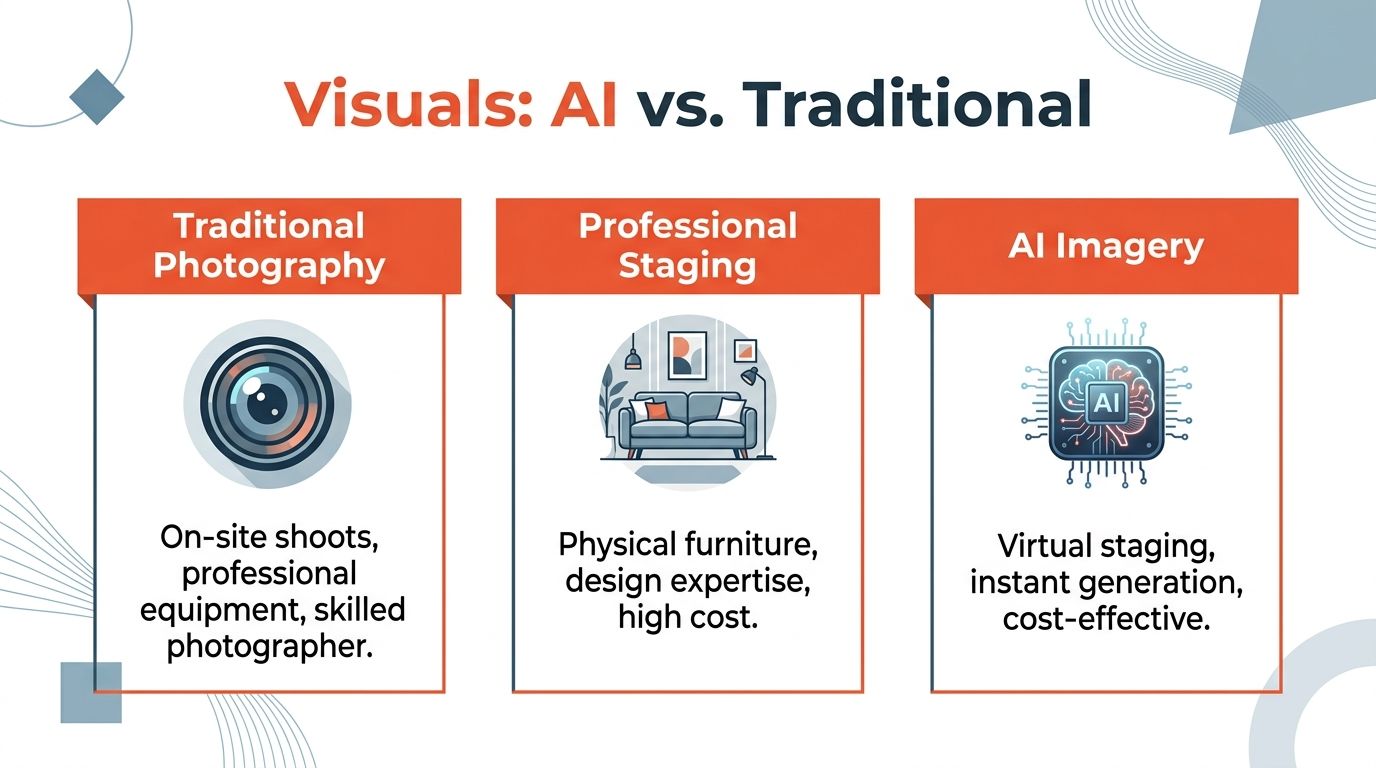
Where traditional methods still help
Professional photography still matters because capture quality sets the ceiling for everything else. If the framing is poor or the room is shot in bad light, no edit fully rescues it.
Physical staging also has a role. It is powerful for luxury listings, high-traffic showings, and homes where in-person emotional impact is central to the strategy.
But both approaches are less flexible once the shoot is done. If the seller wants a different style direction, or if the room needs multiple looks for different audiences, revisions become slower and more expensive in effort, not just dollars.
Why AI fits modern listing speed
AI imagery shines when speed and variation matter. It lets agents test presentation choices without rebooking furniture, reshooting rooms, or sending a long revision chain to a manual editor.
It also improves internal alignment. Sellers can approve a look. Team leads can compare options. Marketing staff can adapt visuals for MLS, social, email, and presentation decks.
For agents new to this category, Bounti’s own guide to virtual staging workflows is a practical reference: https://bounti.ai/blog/staging/virtual-staging-guide
Visual Marketing Methods Compared
| Method | Cost | Speed | Realism | Flexibility |
|---|---|---|---|---|
| Traditional Photography | Moderate to high depending on shoot scope | Moderate, requires scheduling and post-processing | High for existing conditions | Low once the room is photographed |
| Professional Staging | High in labor and logistics | Slowest, requires planning and install | High in person and on camera | Low to moderate, revisions are operational |
| Manual Virtual Staging | Moderate, often per image or per revision | Moderate, depends on vendor turnaround | Can be strong when carefully art-directed | Moderate, but revision cycles add friction |
| AI Imagery | Often more accessible for routine listing use | Fast, especially for multiple rooms and concepts | Strong when based on good source capture and realistic edits | High, supports rapid style and room variations |
If the listing needs one polished answer, traditional methods can be enough. If the listing needs multiple believable answers quickly, AI usually becomes the more useful system.
The decision framework agents actually use
When I evaluate a visual plan for a property, I do not start with the tool. I start with the friction point.
- Need to show actual condition beautifully? Use pro photography first.
- Need to change perception of emptiness or dated style? Add AI staging or restyling.
- Need luxury in-person impact for showings? Consider physical staging.
- Need fast iterations during listing prep? AI has the advantage.
That is why AI imagery is not replacing every traditional method. It is replacing slow, inflexible parts of the visual workflow that do not match how agents now need to move.
Navigating the Rules and Risks of Virtual Edits
AI visuals provide an advantage, but they also create responsibility. If an edited image makes a buyer feel tricked, you have not improved the listing. You have damaged trust.
The first risk is the obvious one. An agent can over-edit. The second risk is subtler. Even when the edit looks polished, camera simulation choices can distort how buyers perceive the room.
The compliance side is straightforward
Property marketing has always had a line between enhancement and misrepresentation. AI does not erase that line. It makes it easier to cross it quickly.
A practical compliance standard looks like this:
- Disclose meaningful edits: If furniture, finishes, or renovations were added digitally, label them clearly.
- Keep original reference material: Before images protect you and help buyers understand what changed.
- Do not hide defects: Editing around structural or material issues creates obvious exposure.
- Match the edit to plausible reality: If the room cannot support the shown layout, the image should not imply that it can.
For a state-specific example of how AI photo rules are developing, this overview of California AB 723 is worth reviewing: https://bounti.ai/blog/compliance/california-ab-723-ai-real-estate-photos
The perception problem most agents miss
There is a deeper issue than simple disclosure. Research shows significant perceptual distortion effects from simulation camera angles in virtually staged images, which can compress perceived corner angles by up to 15-20° in certain scenes, risking buyer misperception of a space's actual dimensions. This is especially true as AI visual tool adoption rises, with an estimated 70% of agents using some form of AI visuals in 2025 (reference).
That matters because many agents assume the main danger is obvious fakery. In reality, a room can look completely believable and still communicate the wrong sense of space.
A buyer may not say, “The corner angle appears compressed.” They say, “The room felt different in person.” That reaction often gets blamed on buyer expectations. Sometimes the image contributed to the mismatch.
What causes the mismatch
The problem usually comes from a combination of factors:
- Aggressive virtual camera perspective: The generated scene can exaggerate depth or flatten it.
- Furniture placement choices: Added furniture can make scale feel more favorable than it is.
- Contextual cues: Window lines, wall edges, and balcony-style corners affect how viewers judge dimensions.
- Scene realism masking distortion: The more natural the image looks, the less likely a buyer is to question its geometry.
The safest AI image is not the one with the most dramatic transformation. It is the one that still feels accurate when the buyer stands in the room.
Practical guardrails that hold up in the field
Use AI, but build a review process around it.
Start with these habits:
- Compare edited images against the original frame before publishing.
- Check corners, ceiling lines, and window proportions because they expose geometry problems quickly.
- Include unedited or lightly edited photos somewhere in the listing package so buyers can calibrate.
- Train sellers on disclosure language so they do not oversell digitally altered visuals during showings.
- Avoid “miracle” renovations in active marketing unless you clearly label them as conceptual.
Agents who follow these rules usually get the upside of AI without the credibility loss that comes from overreaching.
A Practical Guide to Creating AI Images for Your Listings
The barrier to entry is lower than most agents think. You do not need a production crew. You need a usable capture, a clear objective, and enough judgment to choose edits that help the property instead of overpowering it.
Start with the walkthrough, not the edit
Before you touch any AI tool, capture the home properly.
Use your phone, but act like coverage matters because it does.
- Shoot in stable motion: Walk slowly and keep the camera height consistent.
- Use available light well: Open blinds, turn on practical lights if they improve balance, and avoid mixed lighting that makes color look muddy.
- Cover every decision point: Buyers care about transitions, not just hero rooms. Record doorways, room entries, and how spaces connect.
- Pause on problem areas: If a room is cluttered, empty, or dated, give the tool enough clean visual information to work with.
A rushed walkthrough usually creates a rushed-looking result. AI is fast, but it still depends on what you feed it.

Choose the transformation based on the listing problem
Do not start by asking what the software can do. Start by asking what the listing needs.
A few common matches work well:
- Empty condo: Stage the living room, primary bedroom, and dining area first.
- Owner-occupied family home: Declutter before you restyle.
- Dated but functional property: Restyle surfaces and finishes rather than trying to reinvent the architecture.
- Value-add listing: Use renovation previews carefully to show upside without implying completed work.
If you want a broader overview of tool categories and editing workflows, this roundup of AI photo editing software is a useful starting point: https://bounti.ai/blog/photography/best-ai-photo-editing-software
Review like an agent, not just a marketer
Once the images are generated, slow down.
The first image that looks attractive is not always the right one. Review with three filters:
Accuracy
Does the room still read like the room?
Function
Does the furniture layout make sense for circulation and room use?
Market fit
Would this style appeal to the likely buyer for this property?
The strongest agents use AI imaging as part of pricing and positioning, not just decoration. A clean modern edit on an entry-level condo can help clarify utility. A softer transitional style may work better in a suburban family home. A stripped-down minimal look can backfire if it makes a warm property feel sterile.
Your goal is not to impress other agents with editing. Your goal is to help the right buyer understand the home faster.
Final pre-launch checklist
Before images go live, make sure you have:
- A labeled set of edited images
- At least some reference to current condition
- Consistent style across major rooms
- No edits that hide defects or exaggerate dimensions
- A seller who understands what is being shown
That simple discipline keeps the virtual real image useful, credible, and easy to defend.
Conclusion The Future is Visual and AI is Your Co-Pilot
The idea of a virtual real image started in optics. In real estate, it has become a practical sales tool. The value is not in making listings look fake-perfect. The value is in helping buyers see a property clearly enough to act.
That is why AI imaging belongs in a serious agent’s toolkit. It handles repetitive visual work faster than older methods, gives you more ways to present a property’s potential, and helps you compete on listings that would otherwise photograph poorly.
The agent still makes the decisions that matter. You decide what story the home should tell. You decide how far an edit should go. You decide when a transformation helps and when it starts to distort reality.
AI is the co-pilot, not the closer.
If you are comparing tool categories before building your workflow, this guide to best virtual staging app options is a reasonable place to continue your research. Then test the process on a live listing, not a hypothetical one.
Agents who use these tools well become more than marketers. They become translators of potential. In this market, that is a real edge.
Bounti Labs helps real estate teams turn a single property walkthrough into listing-ready marketing assets, including descriptions, stills, MLS-ready photos, and AI visual transformations for decluttering, staging, restyling, and renovation concepts. If you want a faster way to present a property’s potential while keeping your workflow practical, explore Bounti Labs.



