


Floor plans are standard listing assets now. Buyers expect them, sellers notice when they're missing, and your team should not waste hours producing them.
The true decision is not which app has the longest feature list. It is which workflow fits your business. Real estate teams usually fall into three buckets. You need fast listing visuals for everyday marketing, scan-and-go capture for speed and consistency, or pro-grade design tools for renovation-heavy, custom, or commercial work. Pick the wrong category and you either overpay for features nobody uses or slow your team down with software built for architects.
That shift matters because floor plan tools no longer belong only to drafting pros. AutoCAD still sets the standard for technical drawing. But many agents need speed, acceptable accuracy, branded output, and an easy handoff to marketing. Different job, different tool.
Treat floor plans the same way you treat photography, video, and listing copy. They are part of the package, not a nice extra. They also work better when paired with the rest of your visual marketing, including seller-facing presentation assets and home staging before-and-after examples that help clients picture the space.
Here is the practical filter I use. If you need a clean 2D or 3D plan fast, use a browser-friendly listing tool. If your team already captures homes on site and wants the quickest path from scan to finished plan, use a scan-first service. If you handle design-driven listings, new builds, or detailed renovation discussions, move up to software built for precision. That is how this list is organized, and it is the only useful way to compare these products.
1. Floorplanner
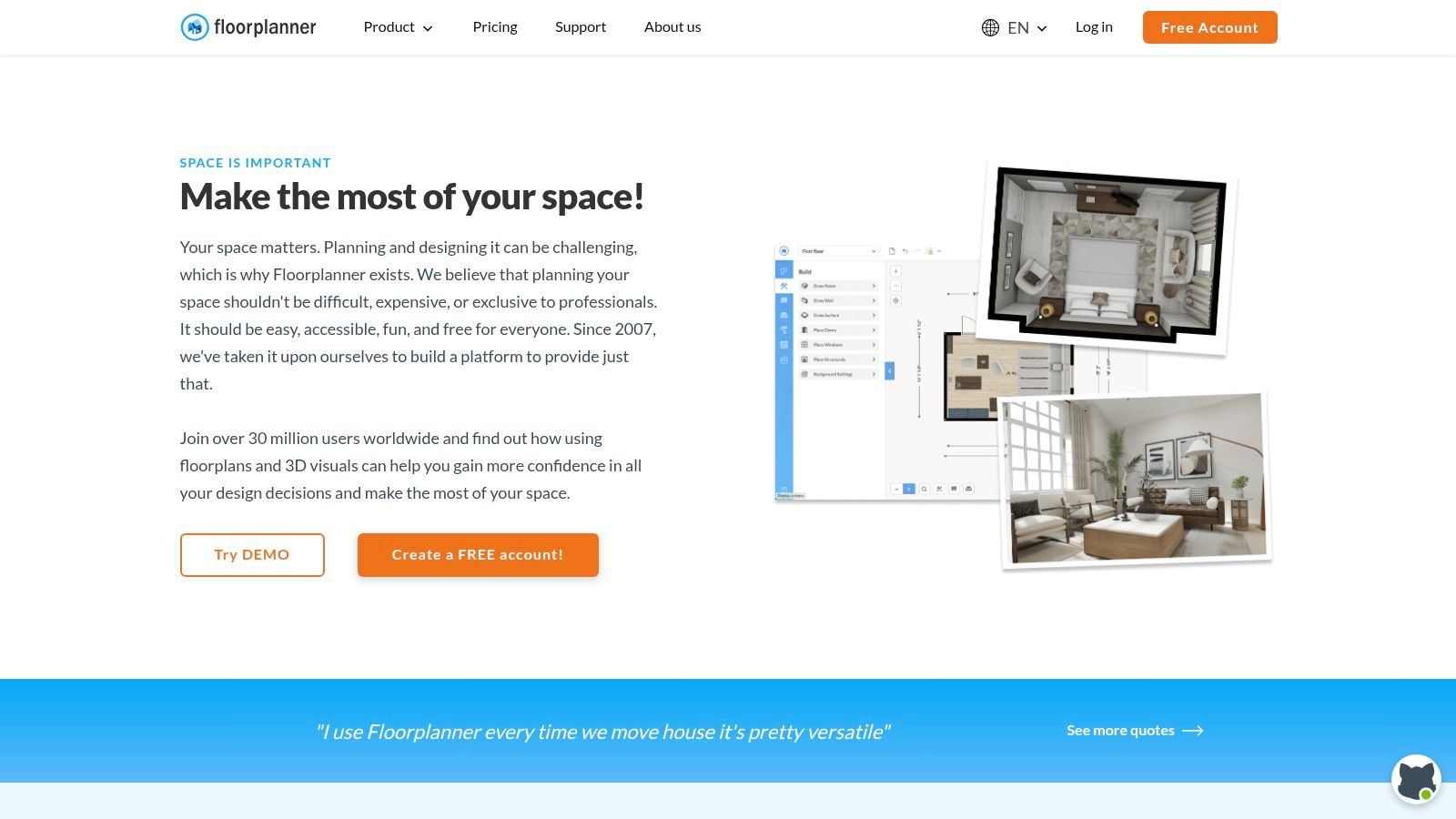
Floorplanner is the one I recommend when an agent says, "I need something I can open in a browser and figure out without training." It skips the CAD mindset. You draw walls, drop in rooms, add furniture, and get to a presentable plan fast.
That makes it strong for listing support, pre-list visual packaging, and light renovation conversations with sellers. It's also a practical middle ground when you want both 2D and 3D outputs without moving into a fully technical design tool.
Where it fits best
Use Floorplanner for fast listing visuals, basic space planning, and staging previews. The credit system gives you flexibility, but that's also where agents get tripped up. If you're exporting a lot of polished visuals every month, the spend can creep up unless someone on your team is tracking usage.
- Best for solo agents: Quick browser-based floor plans without a heavy setup.
- Best for marketing teams: Repeatable branded visuals if you standardize templates.
- Best for staging conversations: Easy furnish-and-preview workflows, especially if you're pairing plans with home staging before-and-after inspiration.
Practical rule: If you need a floor plan today and don't care about permit-grade precision, Floorplanner is usually faster than forcing a more technical platform into the job.
The trade-off is export economics. Free output is limited and branded, and premium-looking exports rely on credits. That's fine for occasional use. It's less fine if your brokerage promises polished plans on every listing and nobody owns the account strategy.
You can check the platform directly at Floorplanner.
2. RoomSketcher
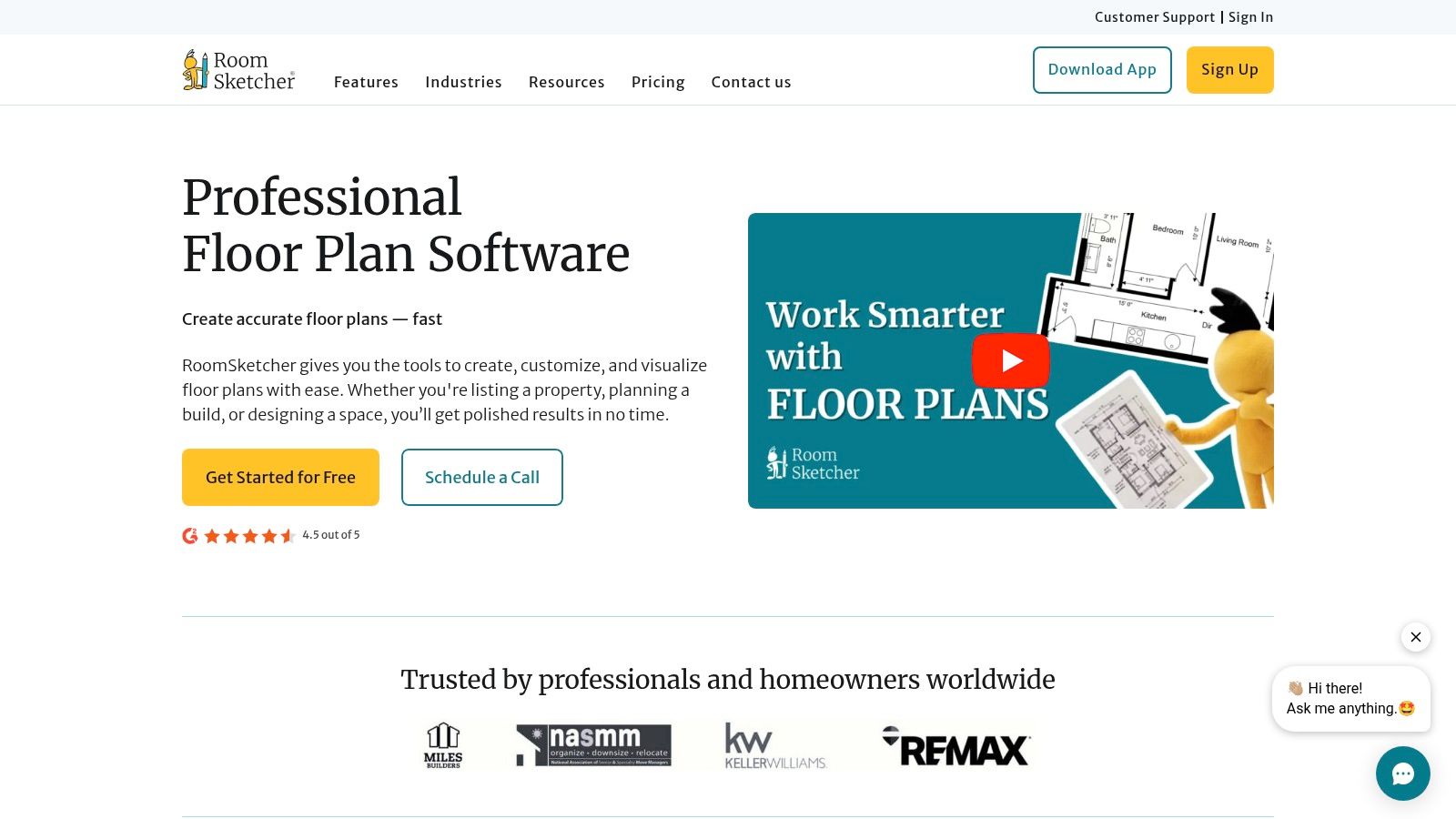
RoomSketcher is the tool I'd put in front of a brokerage that wants polished, repeatable floor plans without turning agents into CAD operators. It sits in a smart middle lane. Faster and more presentation-ready than pro design software, but more controlled and brandable than pure scan-first apps.
That matters if your workflow is messy in practice. One listing comes with a builder PDF. Another has an old flyer plan. Another has nothing except rough room measurements from an agent or coordinator. RoomSketcher handles that mix well because your team can draw plans themselves or hand off source files for redraw and then edit the finished version later.
Where it fits best
RoomSketcher is strongest for listing visuals and operations consistency. If your marketing coordinator, TC, or ops manager needs every listing package to look like it came from the same system, this is a strong pick. The platform gives you editable floor plans, furnished views, and Live 3D outputs without forcing a technical workflow.
It also pairs well with listing presentation work. If you're showing layout potential, room use options, or design updates, RoomSketcher gives you enough visual polish to support that conversation. That gets even more useful when you combine it with virtual staging strategies for real estate agents.
The trade-off is simple. RoomSketcher is not your best choice for true scan-and-go capture in the field. If the job starts with a phone in hand and ends with a measured plan from the same walk-through, other tools fit better.
- Best for brokerages and teams: Standardized listing visuals across many agents.
- Best for operations leads: A mix of DIY editing and done-for-you redraw support.
- Less ideal for: Field-first capture workflows where speed on-site matters more than post-edit control.
- Watch for: Credit-based or tiered output costs if several people on the team are exporting premium assets.
My recommendation: choose RoomSketcher when consistency matters more than capture speed.
That is why it tends to get adopted by teams, not just tested once and forgotten. You can explore it at RoomSketcher.
3. magicplan
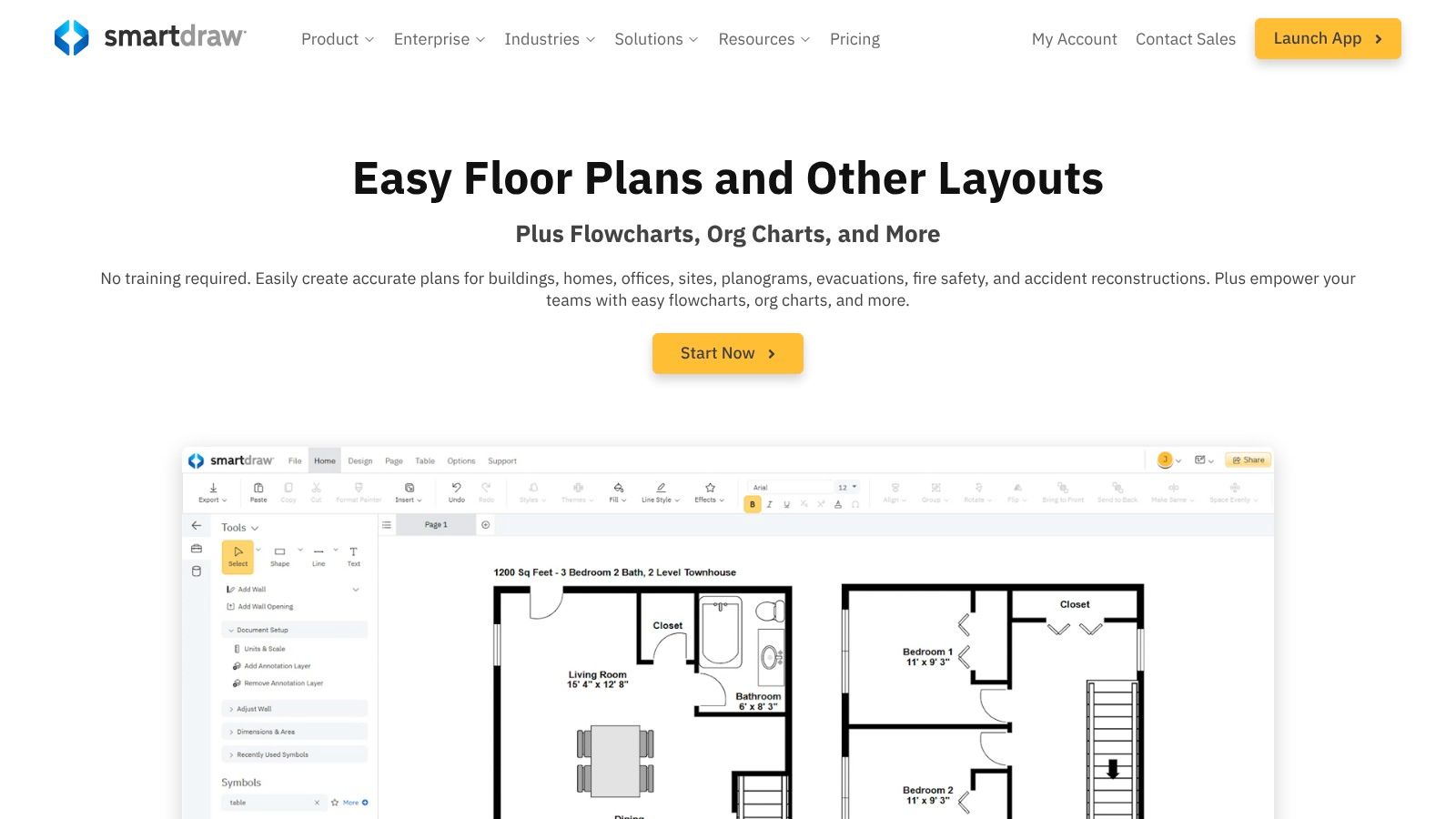
magicplan is built for the field. If your agent, photographer, inspector, or property manager is already walking the space with a phone or tablet, this tool makes sense immediately. It focuses less on presentation-first drawing and more on capture, notes, measurements, photos, and project records in one mobile workflow.
That makes it especially useful for teams handling listings with repair context, rental turnovers, insurance documentation, or renovation scoping. You can capture the layout and keep all the supporting detail attached to the same job.
Best use case
magicplan works best when the floor plan is part of a broader site visit. If you just need a pretty 2D plan for the MLS, there are simpler options. If you need a mobile system that keeps room data, photos, measurements, and scope notes organized, magicplan is far more efficient.
The strength is consolidation. Your team doesn't have to bounce between a notes app, camera roll, sketch pad, and floor plan tool. The downside is technique matters. Good scans come from good habits, not just the app itself.
- Strong fit: On-site capture for property managers, media teams, and renovation-focused agents.
- Less ideal: Agents who only need polished marketing visuals and never collect room-level data.
- Operational advantage: Shared plans and cloud syncing help when multiple people touch the same property file.
If your brokerage has ever lost time because photos, measurements, and scope notes lived in different places, magicplan fixes a real problem. Visit magicplan to see if that workflow matches your team.
4. CubiCasa
CubiCasa is one of the fastest ways to get floor plans into your listing workflow without turning agents into drafters. Scan the home with a phone, upload it, and get a standardized plan back. For brokerages that care more about speed, consistency, and coverage across every listing than manual editing control, that is the right trade.
This tool fits the "scan-and-go" lane better than almost anything on this list. Floorplanner and RoomSketcher make more sense when someone on your team wants to build or tweak layouts directly. CubiCasa makes more sense when the goal is operational: capture the property, submit it, move on.
Why it works for listing teams
The main advantage is repeatability. Your agents do not need to learn design software. Your photographers can add it to a shoot. Your marketing coordinator can keep the process moving without chasing missing measurements or redrawing rooms from scratch.
That matters if your team handles high listing volume.
CubiCasa is especially strong for residential resale teams that want floor plans included by default, not treated like an upgrade the agent forgets to order. If your brokerage has been inconsistent about offering plans because nobody wants the production hassle, CubiCasa fixes that problem quickly.
The trade-off is control. You are buying convenience, not a flexible design workspace. If you need heavy annotation, custom concept layouts, or presentation graphics built from the same file, use a more editable platform. If you need clean, dependable listing visuals with minimal labor, CubiCasa is a smart operational choice.
It also fits neatly into a broader media stack. Teams that pair floor plans with strong listing photos often get more value by tightening the whole package, not obsessing over one asset. If that is your workflow, this guide to AI photo editing software for real estate is a useful next step.
My recommendation is simple. Use CubiCasa when speed wins, standardization matters, and nobody on the team should spend an hour drawing walls. Review the service at CubiCasa.
5. SketchUp Go, Pro, Studio
SketchUp sits in a different lane from Floorplanner or CubiCasa. This is for people who need to shape space, not just document it. If you market development opportunities, tenant improvements, redesign concepts, or furnished lifestyle visuals, SketchUp gives you more freedom than most listing-first tools.
That freedom comes with a cost. Somebody on your team needs to know what they're doing.
When SketchUp earns its place
SketchUp is strongest when floor plans are only one output in a larger visual package. You can model the space, test layouts, build alternate scenarios, and then produce annotated 2D drawings through LayOut in the higher tiers. For commercial teams, design-savvy marketers, and brokerages that frequently pitch future-state potential, that's valuable.
Its ecosystem is another reason it lasts. The component library and extensions reduce production time once your templates are dialed in. But you do need those templates. Without them, teams often create inconsistent visuals from one listing to the next.
- Use SketchUp for: Design-led marketing, concept visualization, and repurposing one model into multiple assets.
- Don't use SketchUp for: Fast, no-training, one-off listing plans.
- Best operator: An in-house designer, marketer, or outsourced visualization partner.
SketchUp isn't the easiest best floor plan software option on this list. It may be the most flexible. If your team sells possibility as much as square footage, that flexibility matters. See the product lineup at SketchUp plans and pricing.
6. Matterport Floor Plans add-on
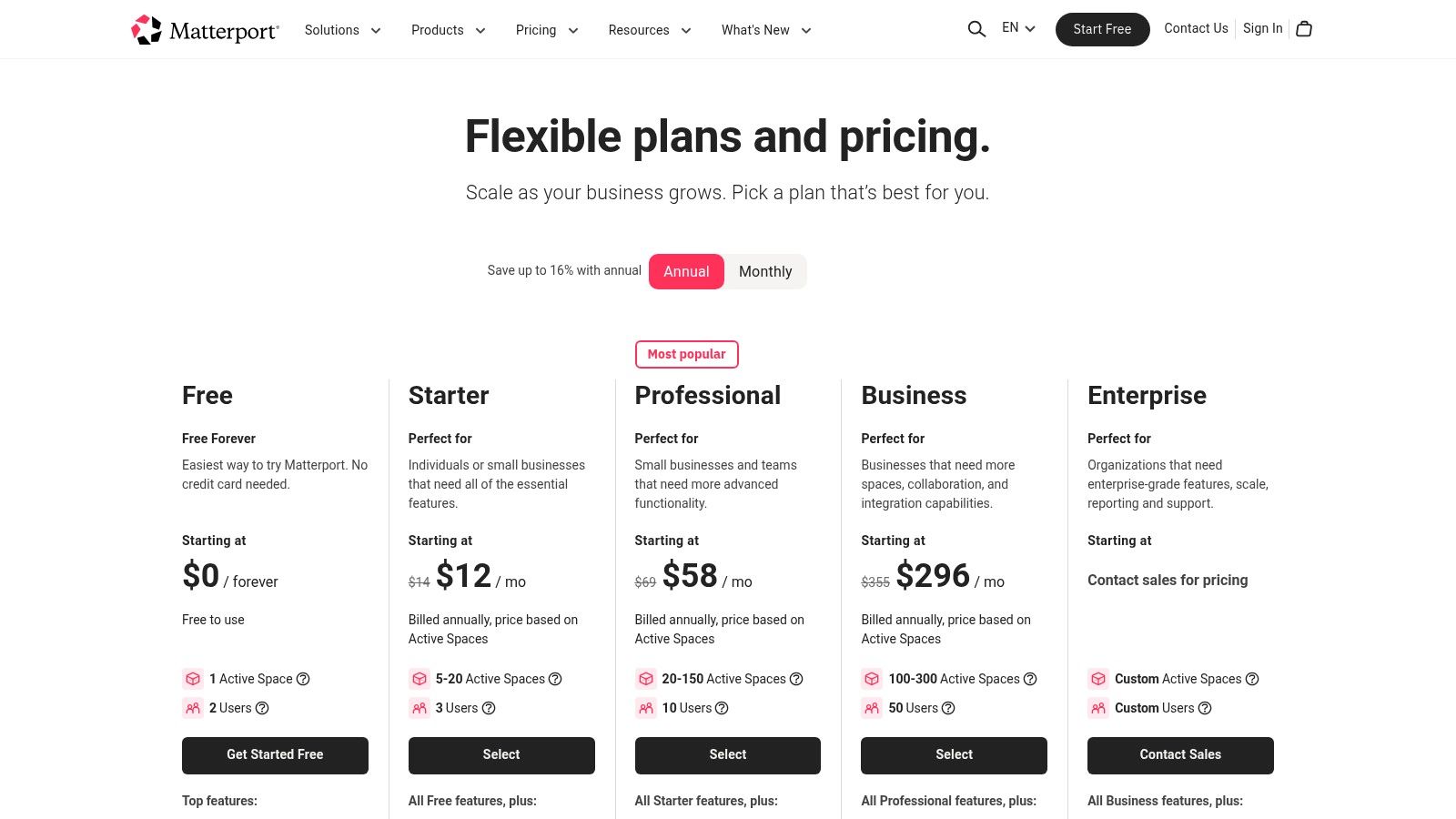
Matterport is the right call if your team already captures 3D tours and wants floor plans without adding another tool, another vendor, or another handoff. In that workflow, the floor plan add-on is an operations play that saves time.
That is the core decision framework here. If your listing process starts with a scan, Matterport fits. If your team just needs quick 2D plans for standard residential marketing, it usually costs more and does more than you need.
Best for teams already in the Matterport ecosystem
Matterport works best when the digital twin is the main asset and the floor plan is a supporting output. One capture session can feed the tour, the measurement layer, and the floor plan deliverable. For higher-end residential, new development, and commercial spaces, that consolidation matters.
The trade-off is straightforward. You are not buying a lightweight floor plan app. You are buying into a broader capture and hosting platform, then adding floor plans on top. That can be efficient for brokerages with an established media workflow. It is a poor fit for agents who want the fastest, cheapest path to a clean 2D layout.
Use Matterport Floor Plans add-on when:
- Your team already uses Matterport tours in listing presentations and marketing
- You want one scan to produce multiple client-facing assets
- You handle properties where immersive walkthroughs help justify the media spend
Skip it when:
- Floor plans are the only output you need
- Your listings do not benefit from 3D tours
- You want a simple scan-and-go option with lower platform commitment
If your team already sells with 3D tours, this choice is usually about workflow discipline, not creativity. Review the option at Matterport floor plans.
7. Cedreo
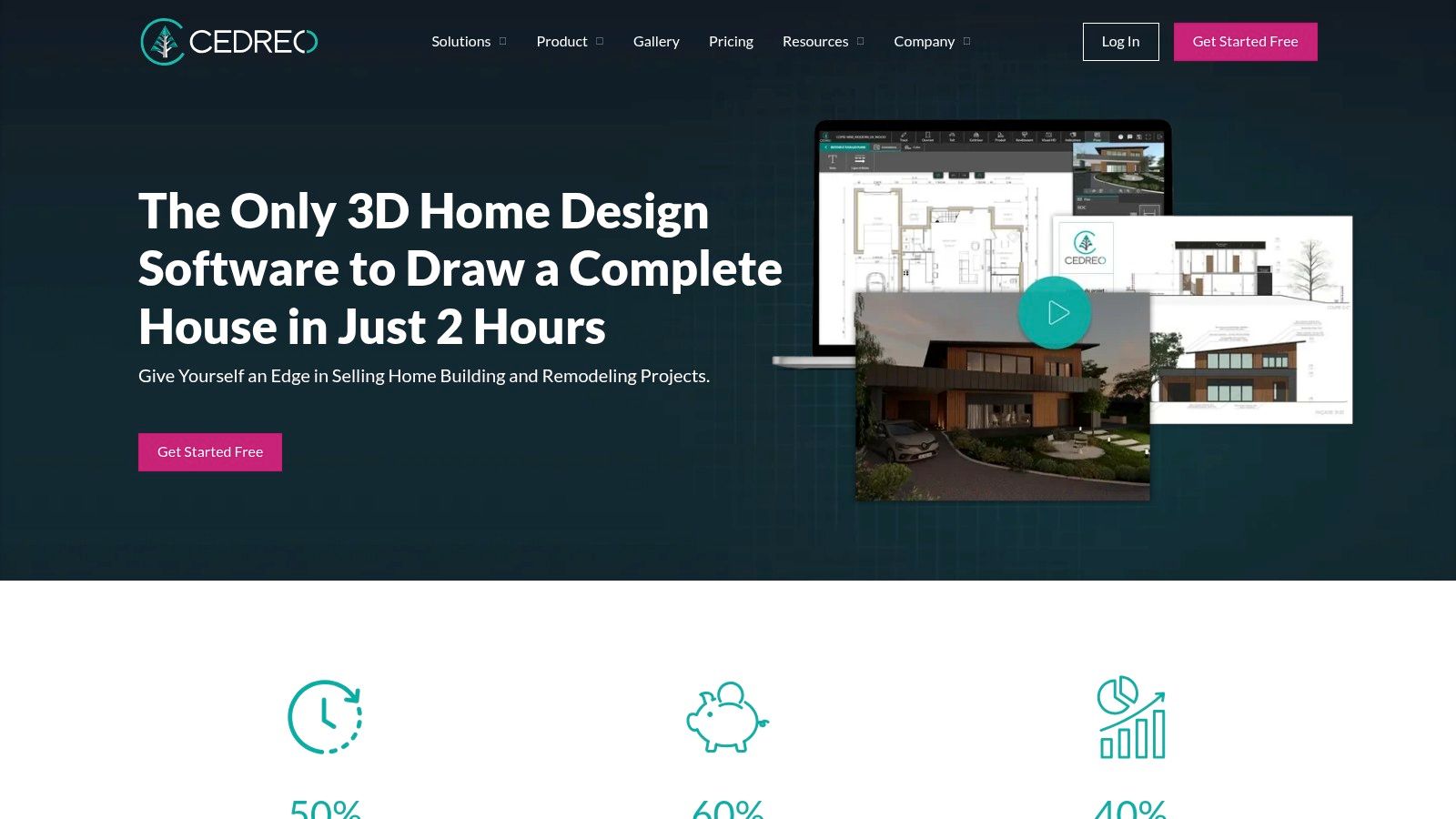
Cedreo is what I'd use when the conversation is moving from listing media into actual project visualization. Builders, remodelers, and design-forward agents can draw plans, generate 3D views, and show enough visual detail to help clients understand the opportunity.
That makes Cedreo particularly useful in renovation listings, custom-home marketing, and builder partnerships. It doesn't demand the same technical commitment as a CAD stack, but it still gives you a more professional planning environment than lightweight consumer tools.
Where Cedreo stands out
Cedreo shines when you need to turn an idea into a client-facing visual quickly. Upload an underlay, trace from an existing plan, build a model, then furnish and render enough context to support a pitch. For listing agents who work with investors or builders, that's a practical edge.
It also handles the middle ground well. You can move faster than in traditional CAD, but you don't have to accept the limitations of simple browser floor plan apps.
- Best fit: Builders, remodelers, investor-focused agents, and brokerages that sell renovation upside.
- Good secondary fit: Marketing teams that need stronger 3D visuals without full BIM complexity.
- Main caution: Credit and plan limits can shape the actual cost once usage expands.
Cedreo isn't the fastest choice for basic listing plans, and it isn't the deepest platform for technical documentation. It's strong in the zone where sales, design, and pre-construction visuals overlap. Explore it at Cedreo.
8. AutoCAD LT
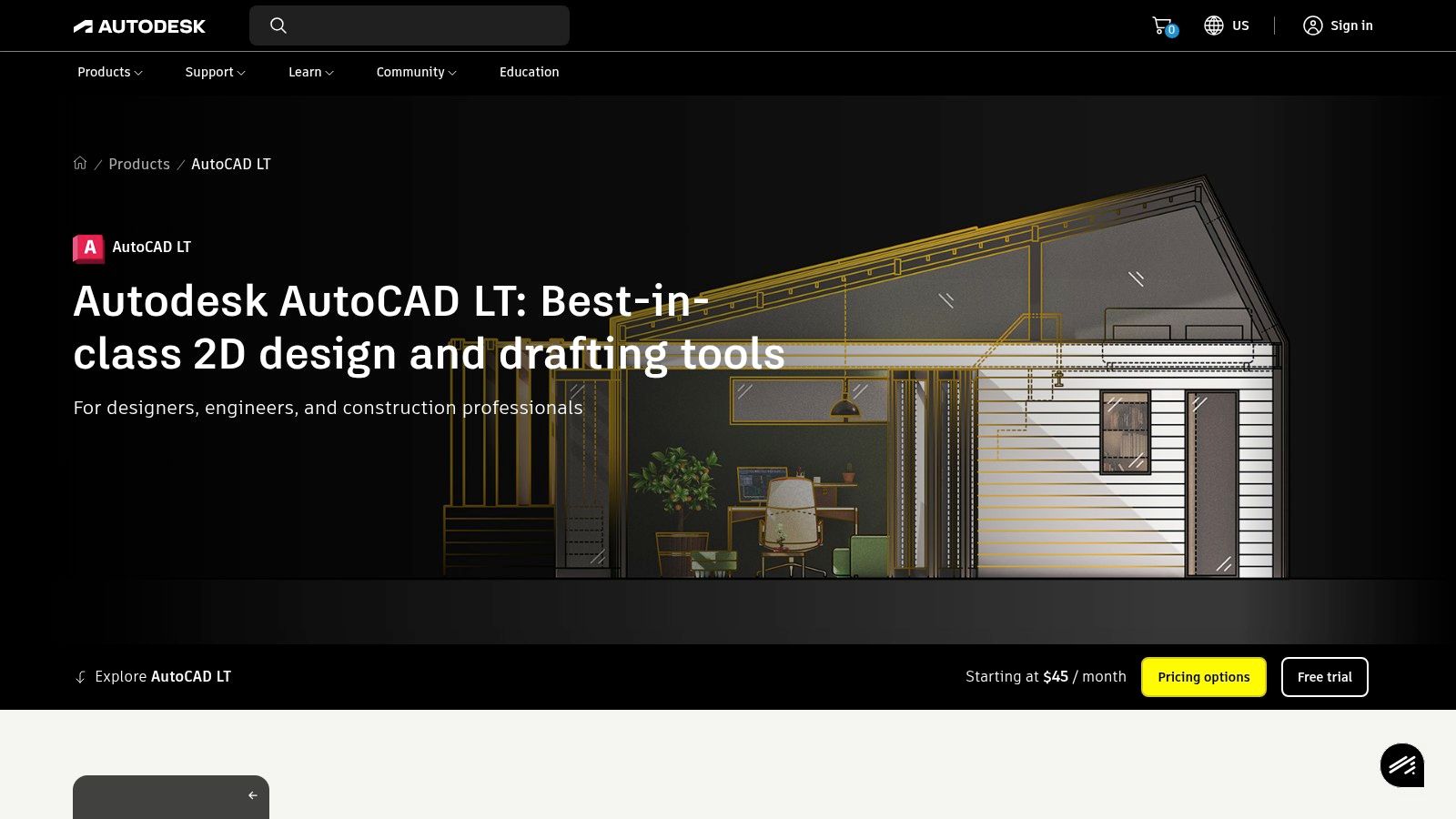
AutoCAD LT is the right answer when precision matters more than speed. If your brokerage works with architects, engineers, developers, landlords, or fit-out contractors, DWG compatibility and exact drafting control still carry weight. This is not a casual tool. That's the point.
The category may have expanded into easier web apps, but technical drafting still anchors the high-precision end of the market. Earlier, we noted AutoCAD's role as the benchmark for technical AEC documentation. AutoCAD LT remains the practical version of that standard for teams that mainly need 2D professional drafting.
Who should actually use it
Most residential agents shouldn't touch AutoCAD LT unless they have a specialist on staff. But commercial brokerages, development marketing teams, and firms that routinely exchange plan files with consultants should take it seriously. It solves interoperability problems before they start.
This is also the cleanest choice when your output may leave marketing and enter design, leasing, construction, or permitting conversations. Lightweight tools often break down at that handoff.
- Strong fit: Commercial brokerage, development, landlord rep, and technical marketing support.
- Weak fit: Agents who need a quick branded floor plan by tomorrow.
- Real value: Predictable file exchange with the wider AEC ecosystem.
AutoCAD LT won't wow anyone with instant lifestyle visuals. It will give your team control, standards, and credibility when exact plans matter. That's often the difference between looking polished and looking unprepared. Learn more at AutoCAD LT.
9. Chief Architect Premier and Home Designer
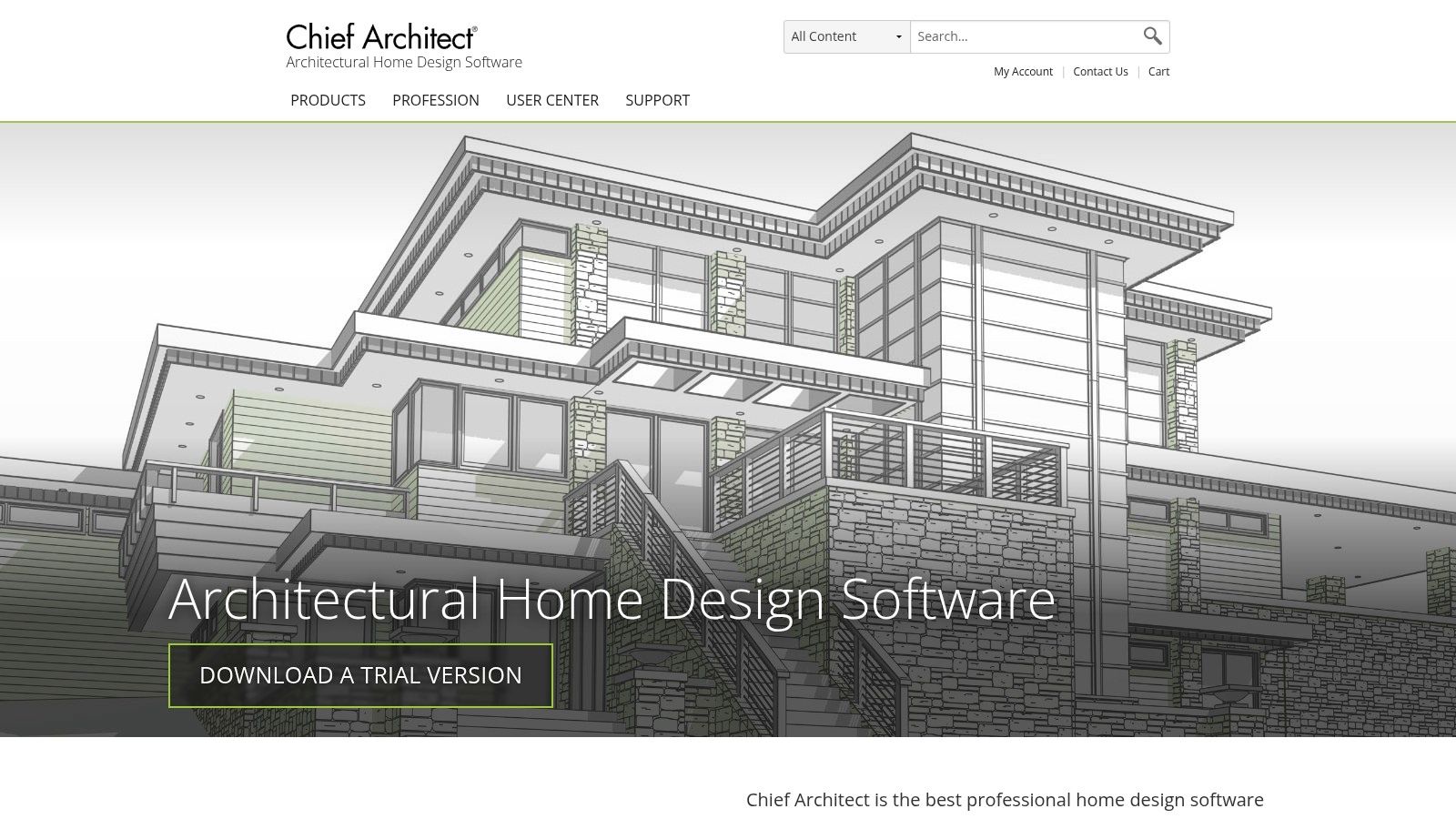
Chief Architect is a residential design platform first and a listing support tool second. That's why it's powerful. It's also why many agents will never need it. But if your business touches custom homes, remodels, new builds, or permit-level residential planning, it's one of the most capable tools in this group.
The Home Designer line gives less technical users a softer entry point. Premier goes much deeper for professionals who need detailed residential documentation and strong 3D visualization.
Why it matters in residential development work
Chief Architect handles complex house logic well. Roofs, framing, foundations, elevations, sections, and material detail all belong in its world. For teams that regularly market homes before completion or sell extensive renovation potential, that depth can support both sales and planning conversations.
This is also one of the few tools on the list that can comfortably live with builders and serious residential designers, not just agents. If your listing process involves construction-level questions, that matters.
The moment a listing starts crossing into buildability, renovation sequencing, or permit discussion, lightweight floor plan apps usually stop being enough.
For standard resale marketing, Chief Architect is overkill. For high-end residential design workflows, it's appropriate. That distinction saves a lot of bad software decisions. Review the product family at Chief Architect.
10. SmartDraw
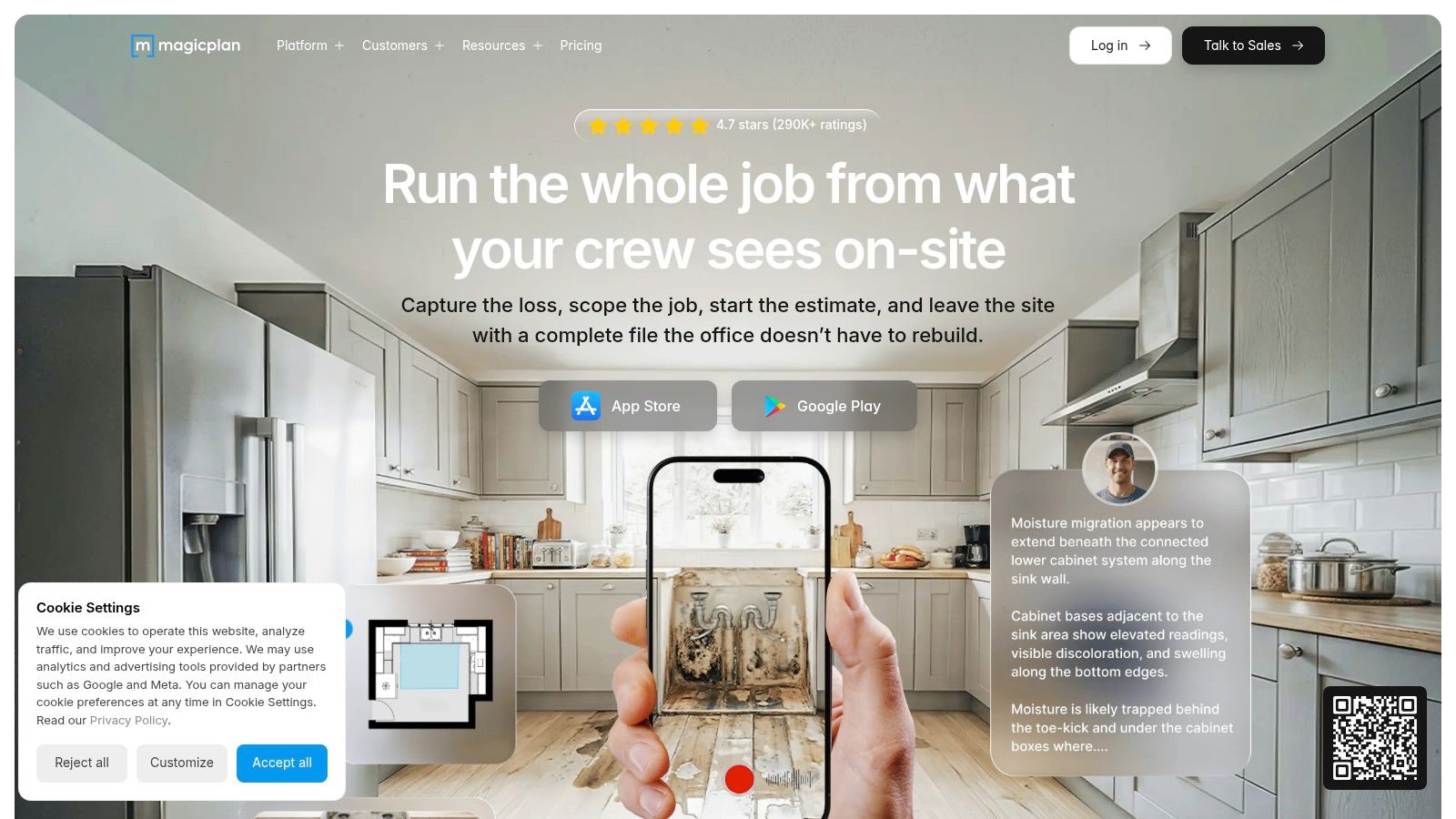
SmartDraw is the practical choice for teams that need more than floor plans. If your brokerage also creates process maps, office layouts, evacuation plans, org charts, and internal documentation, SmartDraw can consolidate that work under one roof. That's its advantage. It isn't trying to be a photoreal 3D design platform.
For floor plans specifically, SmartDraw is fast at producing clean, labeled, scaled 2D layouts. It also does a good job when you need to import a PDF or image and trace over an existing plan.
Best for operations-heavy teams
SmartDraw fits brokerages with admin needs, franchise systems, property management groups, and multi-function marketing departments. The floor plan output is clear enough for many practical uses, especially internal planning, brochures, and simple client communication.
Where it falls short is visual richness. If you want immersive 3D, virtual walkthrough energy, or design-forward staging visuals, other tools are better. If you want speed, clarity, and broader business utility, SmartDraw is hard to dismiss.
- Choose SmartDraw when: You want floor plans plus broader diagramming in one platform.
- Skip SmartDraw when: Listing presentation depends heavily on 3D realism.
- Best team context: Operations, facilities, property management, and admin-led brokerages.
A lot of teams do not need the most advanced floor plan software. They need software people will use across departments. That is where SmartDraw wins. You can check it out at SmartDraw.
Top 10 Floor Plan Software Comparison
| Product | Core features | Quality (★) | Pricing / Value (💰) | Target (👥) | Unique selling point (✨/🏆) |
|---|---|---|---|---|---|
| Floorplanner | 2D/3D plans; multi‑quality renders; credits & libraries | ★★★★ Easy web workflow | 💰Free (SD/watermark) + credits/sub | 👥 Listing agents, stagers, non‑CAD users | ✨Low‑friction web draw & furnish; widely used |
| RoomSketcher | Editable 2D/3D + Live 3D; redraw service; credits | ★★★★ Pro visuals; smooth learning | 💰Free limited; credits for 3D/360 (Pro/Team) | 👥 Agents, designers, photographers | ✨Redraw (pro tracing) + Live walkthroughs |
| magicplan | Mobile LiDAR/manual capture; plans, photos, estimates | ★★★★ Fast field capture; technique‑dependent | 💰Project pricing & overages; subs available | 👥 On‑site pros: inspectors, photographers, restorers | ✨Capture → plans + built‑in estimating |
| CubiCasa | Smartphone walkthrough → pro‑drawn 2D/3D plans; MLS add‑ons | ★★★★ Very fast, consistent deliverables | 💰Pay‑per‑scan; Lite/expedited & add‑ons | 👥 MLS photographers, listing services | ✨Quick scan + pro drawing; MLS partnerships |
| SketchUp (Go/Pro/Studio) | Full 3D modeling; 3D Warehouse; LayOut for 2D | ★★★★★ Flexible, large ecosystem | 💰Tiered subs (Go/Pro/Studio) | 👥 Designers, visualizers, architects, power users | ✨Huge component library; modeling flexibility |
| Matterport (Floor Plans add‑on) | 3D digital twin + tours; schematic 2D floor plans; hosting | ★★★★ Premium immersive tours | 💰Subscription + per‑space add‑ons (floor plans) | 👥 Premium listings, commercial RE teams | 🏆One capture → tours + floor plans; industry standard |
| Cedreo | 2D/3D house design; quick room/wall editing; renders | ★★★★ Fast visuals for proposals | 💰Subscription + render credits | 👥 Builders, remodelers, interior designers | ✨Faster than CAD for client approvals & marketing |
| AutoCAD LT (Autodesk) | Professional 2D CAD; DWG/DXF; layers & standards | ★★★★ Precise, industry‑grade drafting | 💰Subscription or Autodesk Flex tokens | 👥 Architects, brokers, vendors needing DWG | 🏆Standard for precise 2D CAD deliverables |
| Chief Architect / Home Designer | Smart building tools; permit‑level plans; 3D visuals | ★★★★★ Deep residential toolset | 💰Higher cost (perpetual/sub) for pros | 👥 Architects, builders, complex residential projects | 🏆Permit‑level documentation + automation |
| SmartDraw | Scaled 2D plans; templates; PDF/Maps import; diagrams | ★★★★ Fast diagramming; limited photoreal 3D | 💰Team/enterprise pricing (annual) | 👥 Teams needing floor plans + org/process diagrams | ✨All‑in‑one diagramming + floor plan templates |
The Final Blueprint It's About Workflow, Not Just Software
The best floor plan software isn't the one with the longest feature list. It's the one your team can use quickly, repeatedly, and profitably. That's the lens most agents miss. They compare features when they should be comparing workflows.
If your business runs on speed and listing volume, pick a fast-output system. Floorplanner works well when you want browser-based control without training. RoomSketcher is stronger when you need polished output and the option to hand off redraw work. CubiCasa is the cleanest scan-and-go choice when consistency matters more than editing flexibility.
If your media workflow already includes immersive capture, Matterport is the obvious operational fit. One capture can support more than one deliverable, and that matters when you're trying to keep listing prep lean. magicplan also deserves serious consideration if the property visit includes measurements, notes, photos, and project detail, not just a marketing plan.
For design-heavy work, don't force a lightweight tool to act like a professional system. SketchUp is excellent when you need concept modeling and multiple visual outputs from one model. Cedreo works well in the builder-remodeler-sales overlap. AutoCAD LT and Chief Architect belong in workflows where plan accuracy, consultant handoff, or residential construction detail are central, not optional.
SmartDraw is the sleeper pick for operations-focused firms. It's not flashy, but many brokerages need clear 2D plans and broader diagramming more than they need another specialized creative tool.
The broader market supports this segmentation. Floor plan software has evolved from technical drafting into browser-based 2D and 3D tools, then further into scan-based digital twin workflows, as noted earlier. The market is also still growing, with projections pointing to continued expansion and strong residential demand in North America, based on the market outlook cited earlier. For agents, that means floor plans aren't a novelty feature anymore. They're part of the expected visual package.
My advice is simple. Match the tool to the job you do most often, not the job you do once a year. If your team creates floor plans for every listing, optimize for speed and consistency. If you regularly market renovations, developments, or commercial reconfigurations, invest in depth. If your office struggles to turn walkthroughs into polished listing assets, tools that connect capture, imagery, and layout work will save the most time.
Bounti Labs can also fit that broader visual workflow if your team wants AI-assisted property marketing tied to a single walkthrough. In that setup, the floor plan conversation becomes part of a larger content system, not a one-off production task.
Test one tool in each lane. One for fast listing visuals. One for scan-and-go. One for pro-grade design. Your best floor plan software choice will become obvious as soon as you see where your team loses time today.
If you want to turn one walkthrough into more listing-ready assets, Bounti Labs is worth a look. It helps real estate teams generate marketing materials from property footage, including visuals that support staging, decluttering, restyling, and layout communication, so agents can move from capture to campaign faster.



