


Listing templates became an operations problem before they became a design problem. Buyer attention is short, agents are publishing across more channels, and every extra handoff slows the listing launch. Zillow's guidance on real estate listing flyer templates reflects that shift. Clear pricing, sharp visuals, concise copy, and easy-to-scan layouts win because they help buyers process a property fast.
The practical mistake is treating a template as the solution. It is one component in a listing marketing stack. The stronger setup combines photo prep, copy generation, brand-safe design, approvals, and distribution so the same listing can move cleanly into print, email, social, landing pages, and short-form video without repeated manual work.
That is where the ROI shows up.
Agents do not need ten disconnected files. They need a system that turns listing intake into finished collateral with less back-and-forth and fewer production delays. In my experience, the best stack reduces three recurring problems at once: photos arrive in usable order, property details stay consistent across formats, and no one rebuilds the same flyer headline six times. If your images are the weak point, tightening that front-end workflow matters before any template choice does. A good architectural photography guide helps fix that upstream.
The tools below cover different parts of that system, from simple design libraries to more advanced workflows and AI-assisted production. If you are also evaluating the broader software layer around your marketing process, this guide to real estate marketing tools is a useful companion. The goal here is not to pick a pretty file. It is to choose a stack you can run every week.
1. Canva
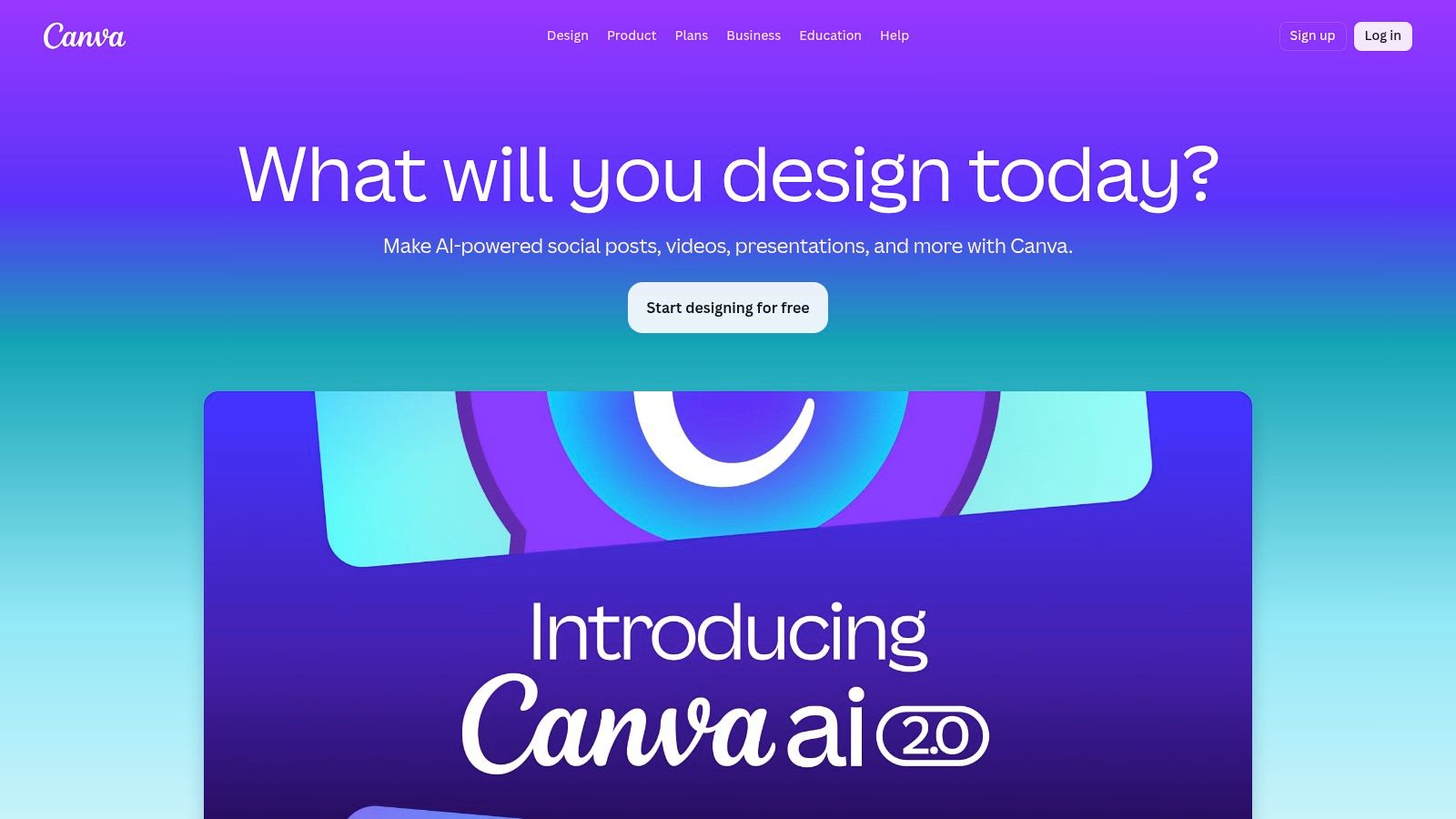
Canva is still the fastest answer for agents who need broad coverage. Listing flyers, just-listed posts, open house graphics, postcards, presentation pages, and email visuals can all live in one place. That matters more than pure design polish, because speed and consistency usually beat custom perfection in day-to-day listing work.
Its biggest strength is flexibility. Solo agents can start with a simple drag-and-drop workflow, while larger teams can standardize fonts, colors, logos, and locked layouts. Canva is one of the few platforms that works for a one-person agent today and still makes sense if that agent grows into a team later.
Where Canva fits in a stack
At the high end, Canva has real estate-specific workflow potential through Canva Listings, which can auto-fill brand templates with live MLS data and photos for organizations that have access. That's useful if your bottleneck is repetitive production, not design.
For most agents, the practical use case is simpler:
- Fast first draft: Use a prebuilt real estate listing template, then swap photos, headline, and property facts.
- Multi-format output: Resize one design into flyer, story, square post, and email graphic formats.
- Brand consistency: Lock key elements if you have admins, coordinators, or virtual assistants touching listing assets.
Practical rule: Canva works best when you treat it as your assembly line, not your creative playground.
The downside is quality control. Community templates vary a lot, and it's easy to end up with generic layouts that look polished but don't sell the property. Agents who want tighter workflow orchestration should also look at broader real estate marketing tools around Canva, because design alone won't solve intake delays or weak source media.
Visit Canva.
2. Adobe Express
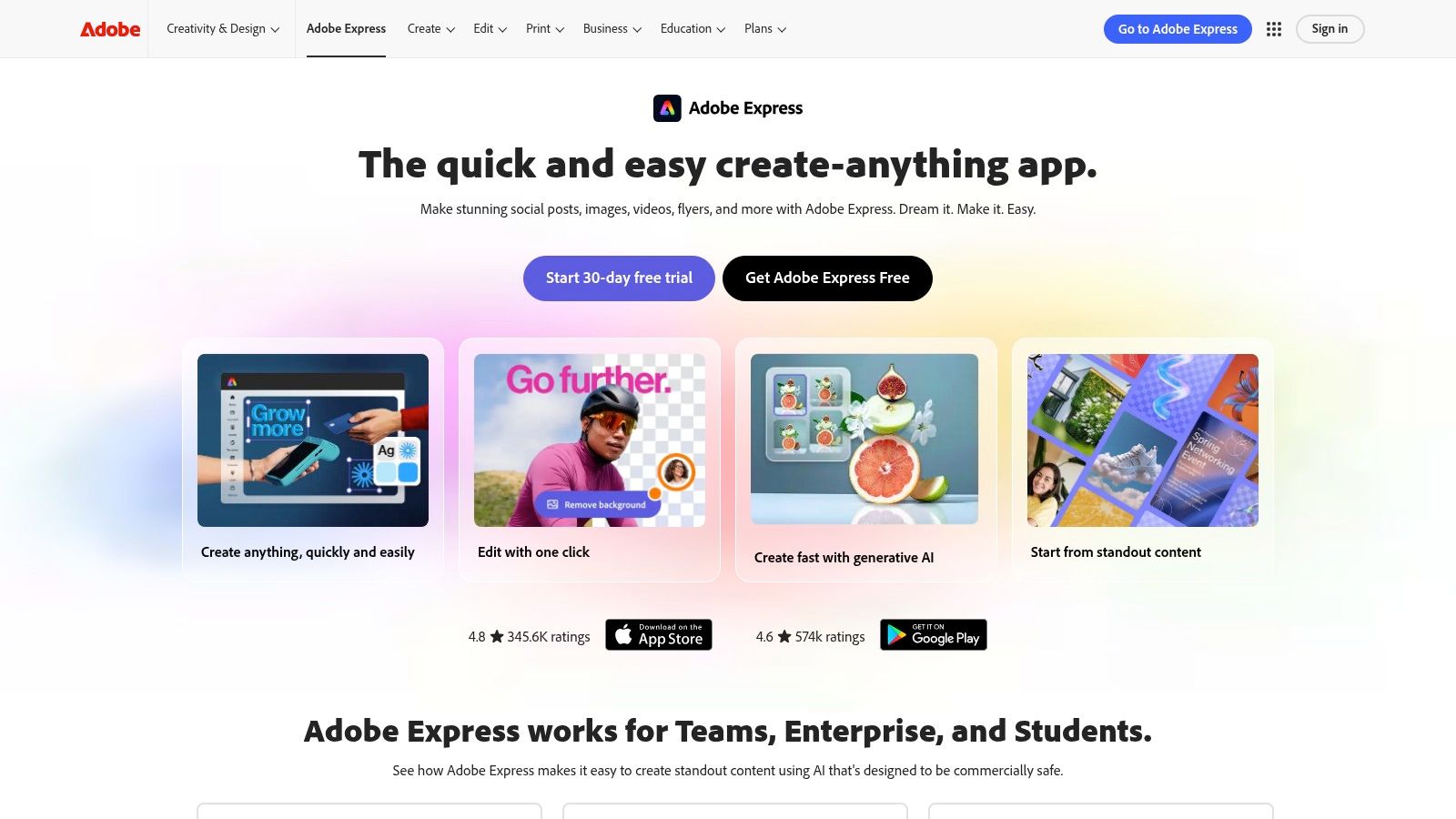
Adobe Express makes sense for agents and brokerages that want clean marketing assets without committing every project to full Adobe apps. It sits in a useful middle ground. More controlled than casual design tools, less intimidating than opening InDesign for every listing flyer.
The practical advantage is handoff. If your coordinator starts something in Express and your designer needs to polish it in the Adobe ecosystem, the transition is usually smoother than jumping between unrelated tools. That's a real operational benefit for teams that split work between agent, admin, and creative staff.
Best use case
Adobe Express is strong when brand control matters more than niche real estate automation. Brokerages with established visual standards often care less about novelty and more about keeping every listing piece on-brand.
What it does well:
- Brand kits: Good for templates that multiple agents need to use without drifting off-brand.
- Template locking: Useful when teams want editable sections without letting users break the layout.
- Built-in publishing: Helps when the same listing collateral needs to move quickly to social channels.
The trade-off is that Adobe Express isn't fully specialized for listing operations. You'll still need another system for MLS-fed workflows, property-specific automation, or richer media transformation.
Most agents don't need a designer. They need design guardrails. Adobe Express is better at guardrails than at real estate-specific automation.
That makes it a solid brokerage tool, especially if your office already uses Adobe products elsewhere. If you're a solo agent who values speed over governance, Canva or a more specialized real estate platform may get you live faster.
Visit Adobe Express.
3. Marq (formerly Lucidpress)
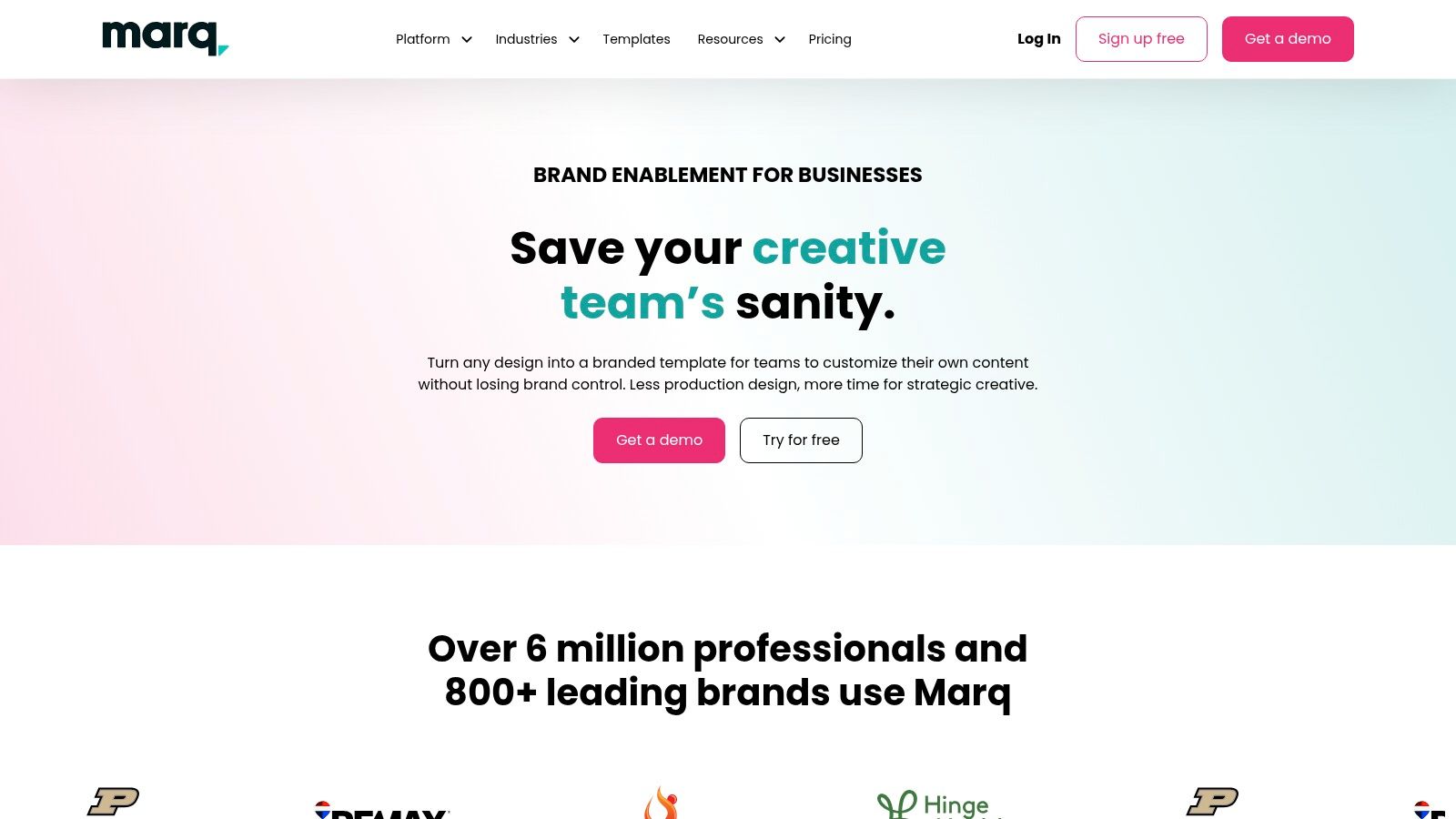
Marq earns its place in a listing marketing stack by reducing one of the most expensive problems in brokerage marketing: repeated manual fixes. If agents, admins, and marketing staff are all touching listing collateral, loose templates create rework, off-brand pieces, and approval bottlenecks fast.
Marq is strongest as a system tool, not just a design tool. The value is in controlled templates, shared assets, editable versus locked regions, and data-driven content that can carry listing details across multiple pieces without starting over each time. That matters when one property needs a flyer, brochure, social graphics, and print-ready versions on a deadline.
The best fit is clear:
- Brokerages with multiple producing agents
- Marketing teams supporting agent self-service
- Offices that need review or approval before publishing
- Listing operations that want property data to feed multiple marketing assets
Marq distinguishes itself from lighter template platforms. It helps standardize output across people and offices, which is often the true ROI. A marketing director gets fewer cleanup requests. Agents get faster turn times. Admin staff spend less time updating the same address, price, and feature set in five different files.
There are trade-offs. Marq asks for setup discipline up front. Someone has to build the template library correctly, define what users can edit, and keep brand assets current. Solo agents and small teams may find that overhead hard to justify unless they produce enough listing volume to benefit from repeatable workflows.
It also fits the broader shift from isolated templates to connected listing operations. If your goal is to build a stack that combines design control with AI-assisted copy, media repurposing, and faster property launches, Marq can serve as the structured template layer inside that system. It will not replace every listing marketing tool, but it can reduce the chaos between them.
Visit Marq.
4. Breakthrough Broker
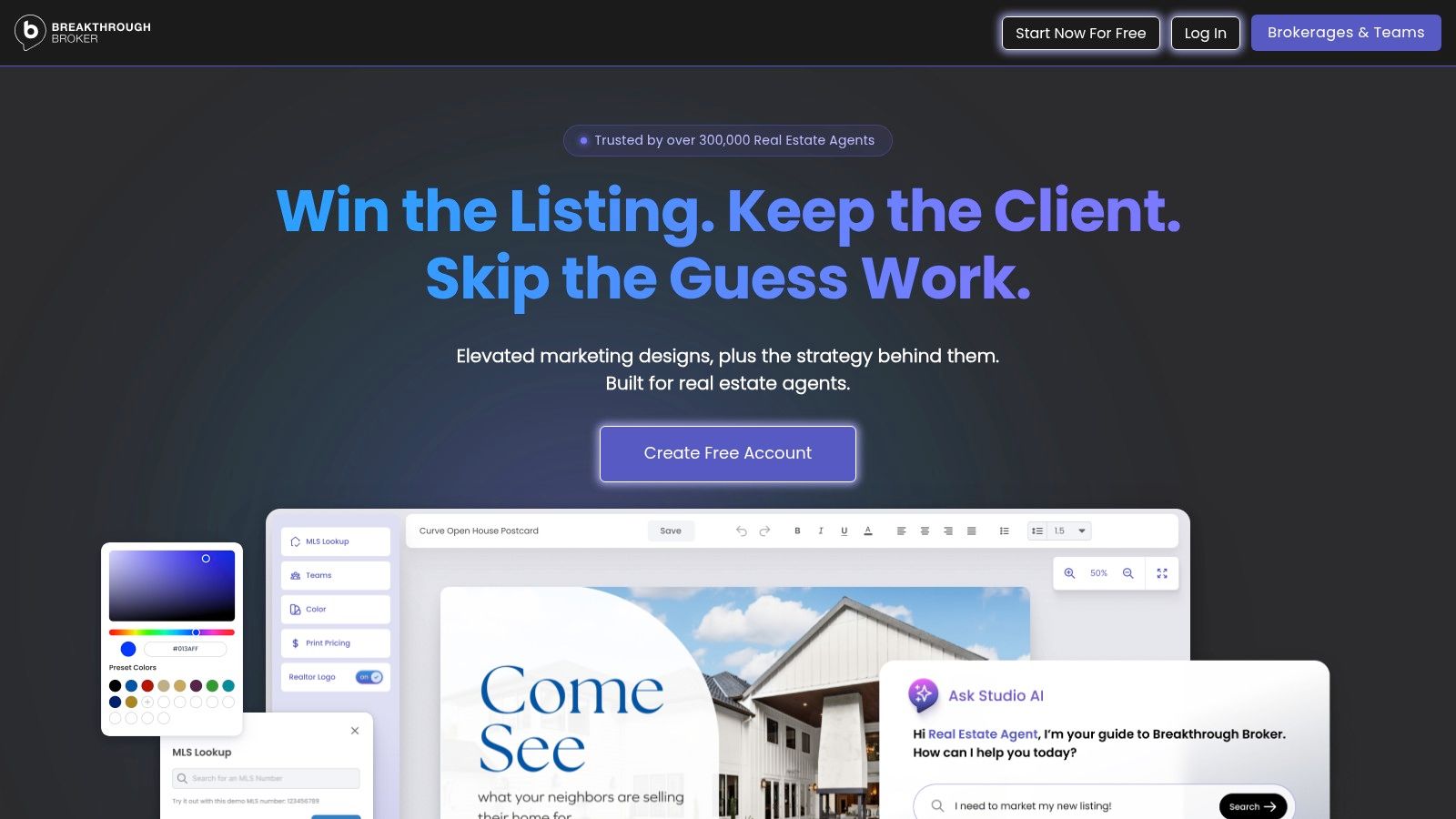
Breakthrough Broker has been around long enough to understand the difference between a pretty template and an agent-useful one. That's why it still earns a place in real estate listing template conversations. It's practical, real-estate-specific, and built around the materials agents need every week.
You won't get the open-ended design freedom of a full creative suite. You will get a library shaped around flyers, brochures, postcards, property marketing, scripts, and presentation assets that already speak the language of agents.
What works well
This is one of the better options for agents who want less blank-page work. The templates tend to start closer to a usable real estate format, which cuts setup time. If you also need a quick property website or landing-page style showcase, its MLS-connected options help reduce tool sprawl.
That's the core appeal. Breakthrough Broker can cover several common listing tasks in one ecosystem:
- Agent-ready flyers and brochures
- Listing presentation support
- Property showcase pages
- Simple customization without design-heavy software
The trade-off is ceiling. If you want highly differentiated luxury branding, layered print control, or advanced media repurposing, you'll probably outgrow it. But for agents who care about speed, familiarity, and real estate-specific defaults, it's still one of the easiest tools to put into daily use.
A lot of agents don't need more features. They need fewer decisions. Breakthrough Broker is good at removing decisions.
Visit Breakthrough Broker.
5. Envato Elements
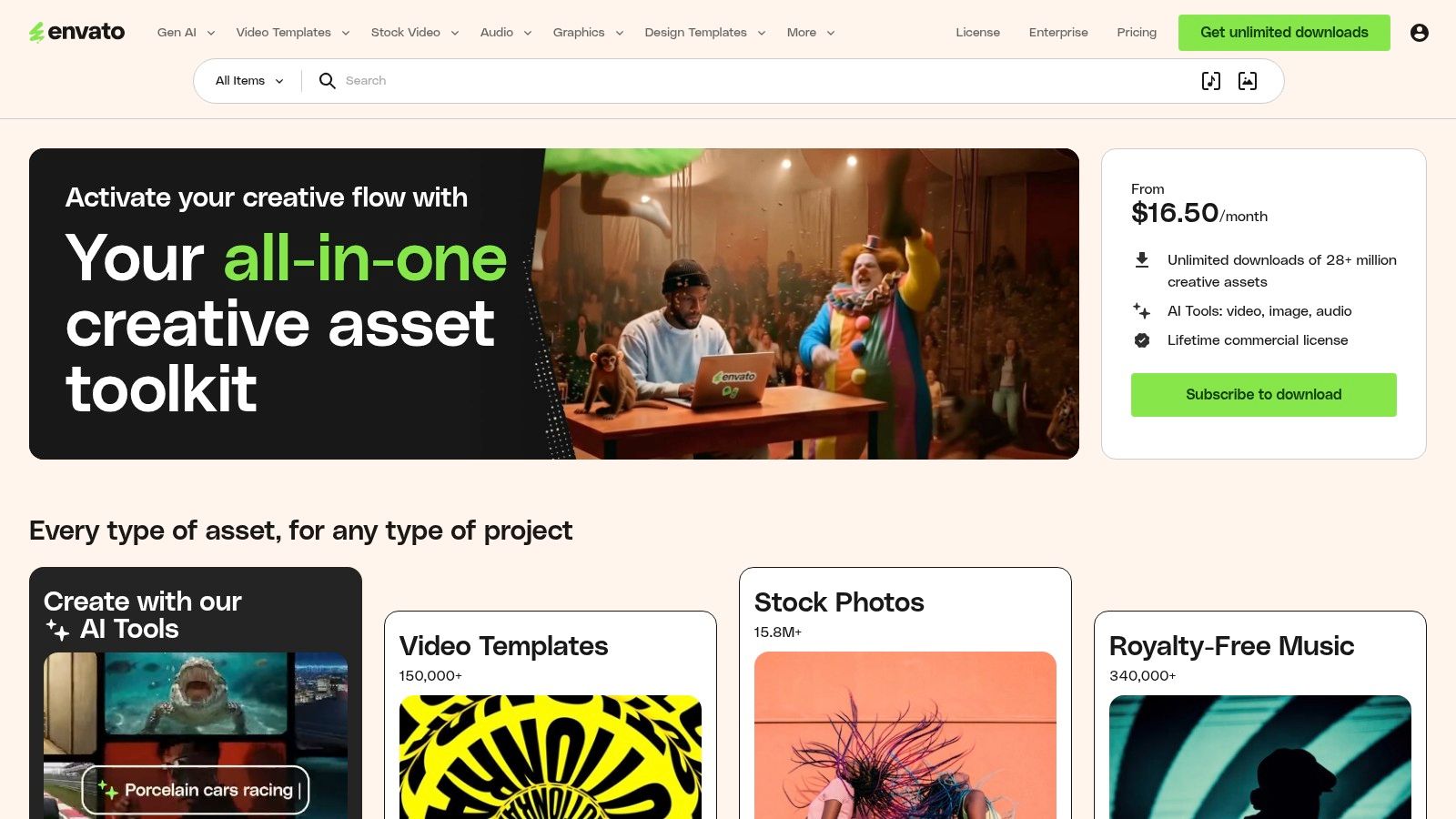
Envato Elements is different from most tools on this list because it isn't trying to be your workflow hub. It's a design asset marketplace. That distinction matters. If you want production efficiency, Envato usually needs to sit beside other tools. If you want stronger visual differentiation, it can be one of the best sources available.
For luxury agents, boutique teams, and marketers handling unusual inventory, that matters a lot. The fastest template isn't always the right one. Sometimes the listing needs a sharper visual frame than generic flyer builders can offer.
Best for premium presentation
Envato is strongest when you already know how to edit files in Adobe apps, or you have someone on your team who does. The available real estate flyer, brochure, and presentation files can look much more custom than browser-native templates, but they require more hands-on work.
Use Envato when you need:
- High-end brochure layouts
- More distinctive presentation design
- Offline editing in Adobe apps
- Fresh template variety without hiring a designer for every listing
One caution. Curation is on you. Creator quality varies, and many templates look strong in preview but need cleanup once real listing content is dropped in.
Good Envato files can elevate a listing. Bad ones waste an hour before you realize the typography, spacing, and photo placeholders weren't built for real property data.
It also pairs well with upstream automation. If you're exploring broader AI tools for real estate agents, Envato can serve as the final design shell after AI handles copy, image selection, or repurposed media.
Visit Envato Elements.
6. PosterMyWall
PosterMyWall is a speed tool. It's not trying to replace professional desktop publishing, and that's fine. For agents who want to get listing graphics out quickly without learning a heavier platform, it solves a common problem well.
Its real value is low friction. You can produce listing flyers, social graphics, and promotional assets quickly from the browser or mobile app, which is useful when marketing often happens between showings, calls, and appointment prep.
Good for agents who publish often
PosterMyWall suits agents who need a steady flow of collateral more than perfect polish. If your listing process includes frequent updates, just listed announcements, open house posts, and neighborhood promo graphics, speed compounds.
What stands out:
- Large real estate template library
- Simple editor
- Built-in email and content planning features
- Easy output for multiple campaign formats
That makes it a sensible choice for solo agents and small teams who want one login for routine listing promotion. Where it falls short is detail control. If you care about exact print standards, advanced typography, or locked multi-user branding, other platforms do that better.
This kind of tool works best when your business already runs on repeatable local marketing. If your process is inconsistent, a fast editor won't fix that. But if you already know what needs to go out each week, PosterMyWall helps you publish without getting stuck in production.
Visit PosterMyWall.
7. VistaCreate (by Vista)
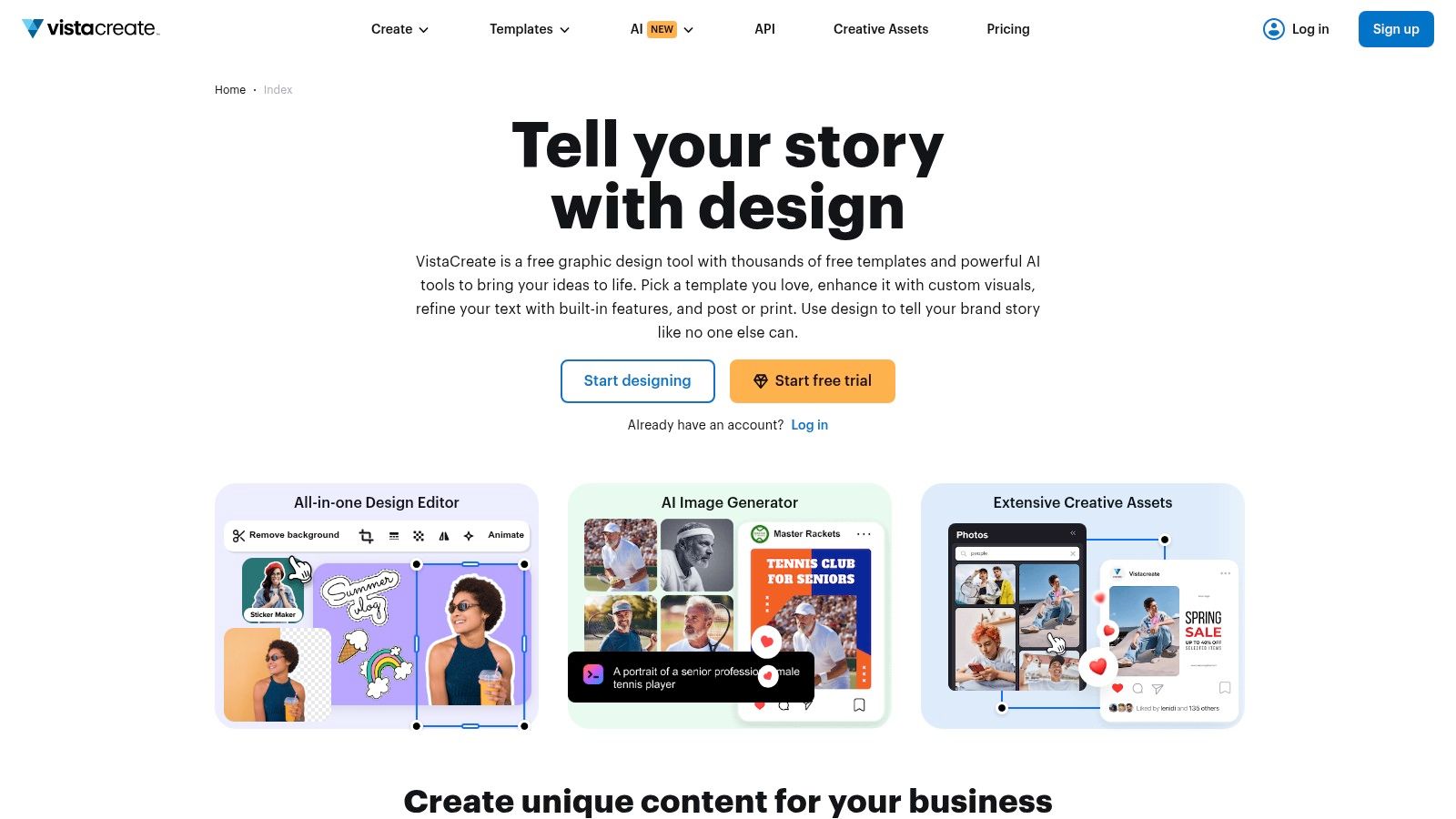
VistaCreate earns its place by keeping production simple. For agents building a listing marketing stack, that matters. A tool that the team will use beats a more advanced platform that slows down every new listing.
The fit is clear for agents who need a lightweight design system, not a full marketing operating system. VistaCreate gives you ready-made templates, stock assets, and quick resizing, which helps when a single listing has to become a flyer, Instagram story, feed post, and open house graphic in one work session.
That makes it a practical middle layer in the stack. Use your CRM, transaction system, or AI writing tool to organize inputs and draft copy. Use VistaCreate to turn that material into finished visuals fast.
A useful workflow often looks like this:
- Start with one listing design
- Resize it into social and print variations
- Fill visual gaps with stock photos, icons, or background assets
- Save brand elements for the next listing instead of rebuilding each piece
The trade-off is control. Teams that need strict approval paths, deeper typography settings, or MLS-connected automation will hit limits faster here than they would in a more specialized platform. VistaCreate works better for execution than governance.
It also fits the current direction of listing promotion. Agents are producing more visual content across more channels, and many are now pairing template tools with AI for faster copy, headline testing, and versioning. VistaCreate supports that setup well because it shortens the design step after the copy and creative decisions are made.
If your goal is to build a stack that moves from idea to published asset with less friction, VistaCreate is a sensible choice. It is especially effective for solo agents, assistants, and small teams that want speed, consistency, and enough flexibility to keep listing marketing moving.
Visit VistaCreate.
8. Highnote

Highnote isn't a flyer platform. That's why it's useful. Many agents overload general design tools with tasks they aren't built for, especially when preparing listing presentations, pre-list packets, follow-up materials, and client-facing digital decks.
Highnote is better understood as a presentation delivery layer for your listing stack. If you want to package videos, PDFs, links, market slides, and narrative together in a trackable format, it solves a different problem than Canva or Adobe Express.
Best for appointment and follow-up workflows
This is one of the most practical tools here if your business depends on winning listings, not just marketing them after launch. The template library is built around moments that matter in the sales cycle: pre-list, listing, buyer consult, follow-up, offer communication, and new development.
Why agents like it:
- Purpose-built presentation templates
- Single-link sharing
- Viewer analytics for follow-up timing
- Easy bundling of mixed media
Send a static PDF and you hope they opened it. Send a tracked presentation and you know what they actually looked at.
The limitation is obvious. Highnote doesn't replace a design suite. It complements one. You'll still need another tool for print collateral and feed-specific graphics. But if your current listing presentation workflow is a patchwork of PDFs, attachments, and manual follow-up, Highnote is a cleaner system.
Visit Highnote.
9. FlyerCo
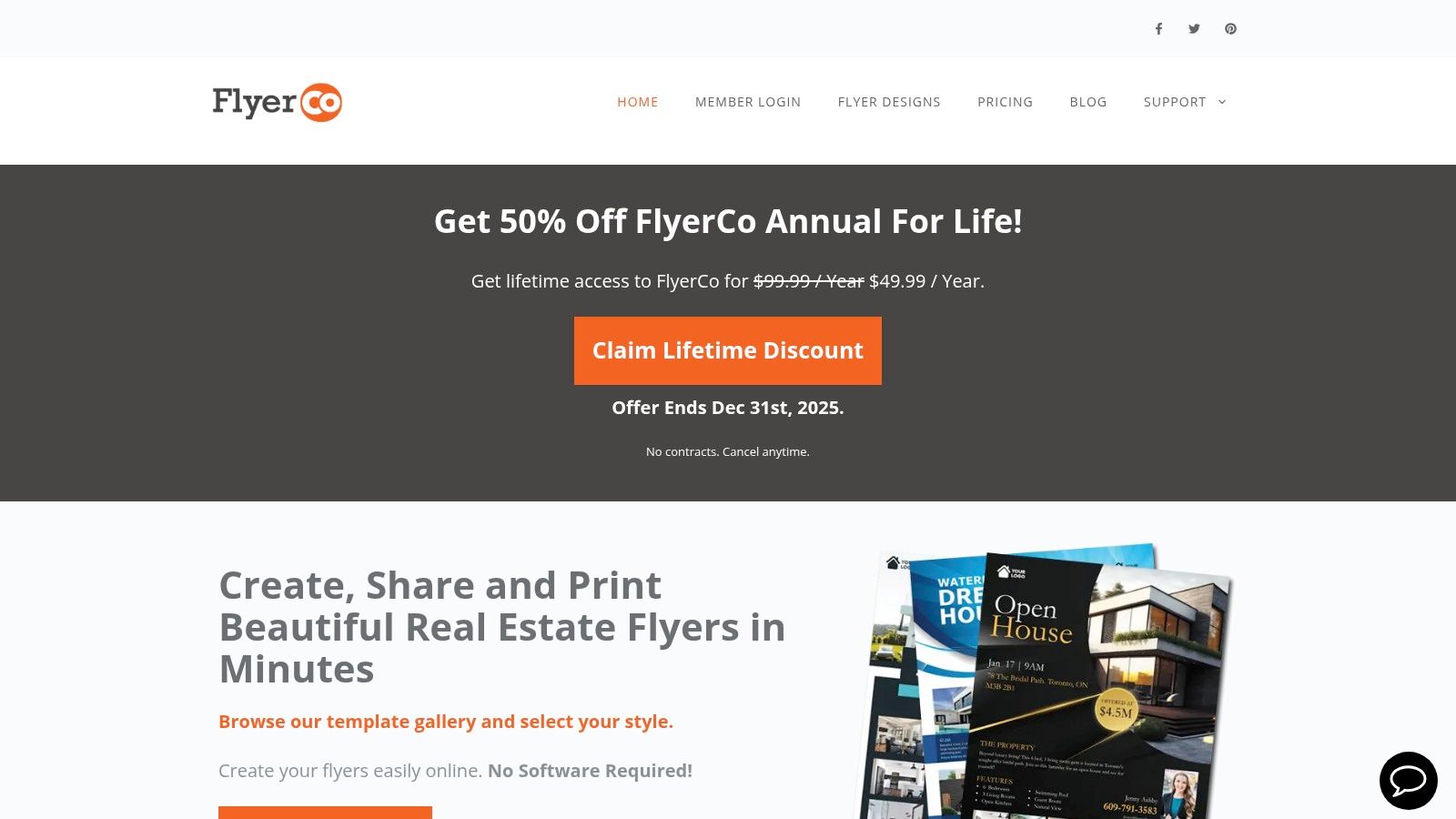
FlyerCo is narrow by design, and that's part of the appeal. Some agents don't need a broad creative platform. They need a real estate flyer builder that gets a listing page live fast and doesn't ask them to think like a designer.
That focus makes FlyerCo a good fit for agents running direct-response style marketing around a property. Print a flyer, share the digital version, drive traffic to a landing page, collect inquiries, and move on.
Why narrow can be useful
Every extra tool in a stack creates decisions, setup time, and handoff risk. FlyerCo reduces that by bundling the flyer with an auto-generated landing page and basic lead capture tied to the asset.
That's useful when your workflow is centered on quick deployment:
- Create flyer
- Generate shareable page
- Use in ads, mailers, or QR-based handouts
- Collect contacts without building a separate page
The downside is range. FlyerCo won't replace your full brand system, presentation tool, or advanced design environment. It's best treated as a tactical listing promotion layer, not the core of your marketing tech stack.
It can be especially effective for agents who still get traction from in-person marketing, sign riders, property handouts, and local campaigns where a simple digital destination increases response without much extra effort.
Visit FlyerCo.
10. Coffee & Contracts
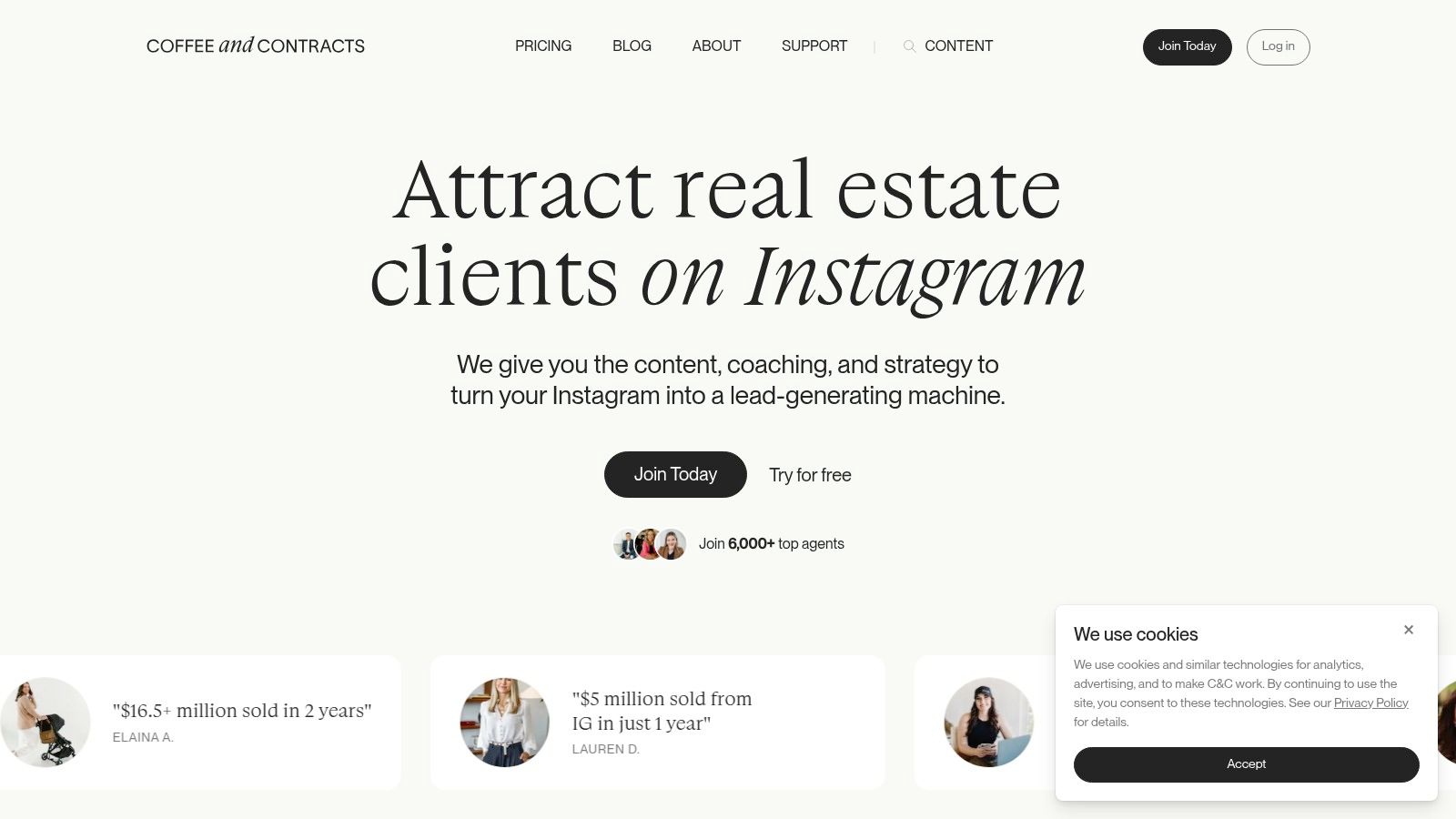
Coffee & Contracts is less about individual listing flyers and more about keeping your listing pipeline visible. That distinction matters. Plenty of agents have a decent property flyer. Fewer have a reliable content rhythm around coming soon, just listed, open house, under contract, neighborhood proof, and follow-up nurture.
That's where this membership can help. It gives agents customizable real estate content assets, recurring themes, and a repeatable cadence that supports listings before and after launch.
Best for marketing consistency
Coffee & Contracts is strongest for solo agents and small teams that struggle more with ideation than execution. If you regularly lose time deciding what to post, what to email, or how to package listing-related content around your brand, this kind of membership can remove a lot of drag.
Its practical value shows up in:
- Social content tied to real estate use cases
- Newsletter and guide templates
- Scripts and campaign support
- Ongoing monthly content drops
A lot of agents don't have a design problem. They have a consistency problem. This tool addresses consistency better than it addresses print-heavy listing collateral.
It also pairs naturally with a broader real estate social media marketing approach, especially if your listing strategy depends on staying visible between launches instead of treating each property as an isolated campaign.
Visit Coffee & Contracts.
Top 10 Real Estate Listing Template Comparison
| Product | Core features | UX & Quality | Value (💰) | Best for (👥) | Standout (✨/🏆) |
|---|---|---|---|---|---|
| Canva | 1.6M+ templates, drag‑drop editor, print & social scheduling, Canva Listings (org) | ★★★★☆ fast, huge asset library | 💰 Free → Pro; org/enterprise for MLS | 👥 Agents & teams wanting speed | ✨Massive template library, 🏆ease of use |
| Adobe Express | Editable templates, brand kits, Adobe ecosystem & publishing | ★★★★☆ polished, familiar to Adobe users | 💰 Free → Paid for premium features | 👥 Adobe users, brokerages needing brand control | ✨Tight Adobe integration, brand governance |
| Marq (Lucidpress) | Template locking, brand asset mgmt, MLS data, print/web publishing | ★★★★☆ enterprise-grade consistency | 💰 Team/enterprise pricing (best ROI for teams) | 👥 Multi‑agent brokerages | 🏆Template control + MLS automation |
| Breakthrough Broker | Realtor-specific templates, MLS landing pages, agent workflows | ★★★☆☆ simple, agent-focused | 💰 Free tier + paid upgrades | 👥 Solo agents & small teams | ✨Realtor-tailored content, quick MLS pages |
| Envato Elements | 27M+ assets, premium print templates, commercial license | ★★★★☆ high-quality, design-centric | 💰 Subscription for unlimited downloads | 👥 Designers & agents comfortable with Adobe | 🏆Premium, print-ready templates |
| PosterMyWall | 19k+ real-estate templates, drag‑drop web/mobile editor, planner | ★★★☆☆ very fast, low learning curve | 💰 Low-cost plans; premium = unlimited downloads | 👥 Non-designers needing speed | ✨Mobile-friendly, quick collateral |
| VistaCreate | Canva-like editor, 200k+ premium templates, 170M+ stock, AI tools | ★★★★☆ easy, stock-rich | 💰 Pro subscription (stock incl.) | 👥 Agents wanting included stock assets | ✨Large stock library, strong Pro value |
| Highnote | Ready‑to‑use listing & buyer presentations, viewer analytics, sharing | ★★★★☆ presentation-first, trackable | 💰 Subscription; Teams tier for governance | 👥 Agents focused on listing presentations | 🏆Viewer analytics & single-link sharing |
| FlyerCo | Fresh flyer templates, auto-generated landing pages, simple CRM | ★★★★☆ purpose-built, lightning fast | 💰 Affordable (per-flyer or sub) | 👥 Agents using flyers + landing pages | ✨Auto landing pages + lead capture |
| Coffee & Contracts | Customizable social/email templates, monthly content drops, community | ★★★☆☆ content-rich, implementation-driven | 💰 Membership subscription | 👥 Solo agents & small teams wanting cadence | ✨Monthly themed content & trainings |
From Templates to Automation: The Next Level of Listing Marketing
Templates are no longer the main constraint in listing marketing. Production time is. Most agents can find a decent flyer or presentation layout in minutes. The main impediment to launch speed is everything that happens before the design file is ready: collecting media, writing copy, resizing assets for each channel, checking property details, and keeping the message accurate for the asset type and audience.
That is why the strongest listing setup in 2026 works as a stack, not a single tool. One platform handles design. Another handles presentations or client-facing share links. Another handles landing pages or lead capture. The highest return usually comes from improving the intake side first, so the template is filling with usable inputs instead of forcing you to build every asset from scratch.
AI matters here because it cuts repetitive production work. A practical workflow starts with source material such as a walkthrough video, photo set, notes, and MLS fields, then turns those inputs into marketing pieces your team can use. If one walkthrough can produce stills, draft descriptions, social assets, and presentation content, the template becomes the finishing layer instead of the starting point.
Buyers also consume listings across multiple formats, so your stack has to support that reality. The same property may need MLS remarks, a flyer, an Instagram Reel cover, a listing presentation slide, and a follow-up asset for sellers who want proof of marketing activity. Format-specific production is now standard practice, and these social media video templates show how quickly content needs to adapt by channel.
Property type adds another layer. A residential flyer template will not automatically hold up for land, mixed-use, or development inventory. Marketing copy for land needs tighter controls around what is verified versus assumed, especially on zoning, utilities, flood exposure, access, and permitted use. Good systems account for that with property-specific fields, review steps, and reusable disclaimers, not just better design.
Local context matters too. Fixed boilerplate weakens listing materials fast, especially in shifting markets. A better stack leaves room for current market commentary supported by sources such as the National Association of Realtors research hub, where agents can pull existing-home sales, median price, affordability, pending sales, and metro-level data without rebuilding every presentation from zero.
Visual proof carries more weight than generic polish. Listing materials work better when they isolate the selling points that move interest: updated kitchens, usable outdoor space, flexible floor plans, views, workshop space, or income potential. That same principle shows up in this listing presentation examples article. The lesson is straightforward. A clean template helps, but a system that surfaces the right proof points helps more.
If you want more speed, pair a template platform with an AI content engine. Bounti Labs is one example. Based on its product description, it uses a single video walkthrough to generate property descriptions, stills, MLS-ready photos, and AI-powered staging or restyling assets. For working agents, the value is simple: fewer manual handoffs, faster asset creation, and a shorter path from appointment to live listing.
The best real estate listing templates now sit inside a broader marketing stack. Build that stack well, and every new listing gets easier to launch, easier to adapt across channels, and easier to market consistently without adding hours of production work.
If you want to see how an AI-assisted listing workflow can fit into your stack, take a look at Bounti Labs. It's built to turn a simple property walkthrough into usable marketing assets, including descriptions, stills, MLS-ready images, and AI-powered staging or restyling, so you can spend less time producing collateral and more time moving listings forward.



